
Sentry
Steps and required credentials to connect Sentry to Squadbase
Required Information
| Field | Description |
|---|---|
| Sentry Organization Slug | The slug of your Sentry organization. Found in the subdomain of your Sentry URL: https://{slug}.sentry.io/. |
| Sentry Auth Token | A Sentry API authentication token with the required scopes. |
How to Obtain
Sentry Organization Slug
The organization slug is the subdomain in your Sentry URL.
Example: If your Sentry URL is https://my-org.sentry.io/, the slug is my-org.
You can also find it in Settings → Organization Settings under the Organization Slug field.
Sentry Auth Token
Open Personal Tokens
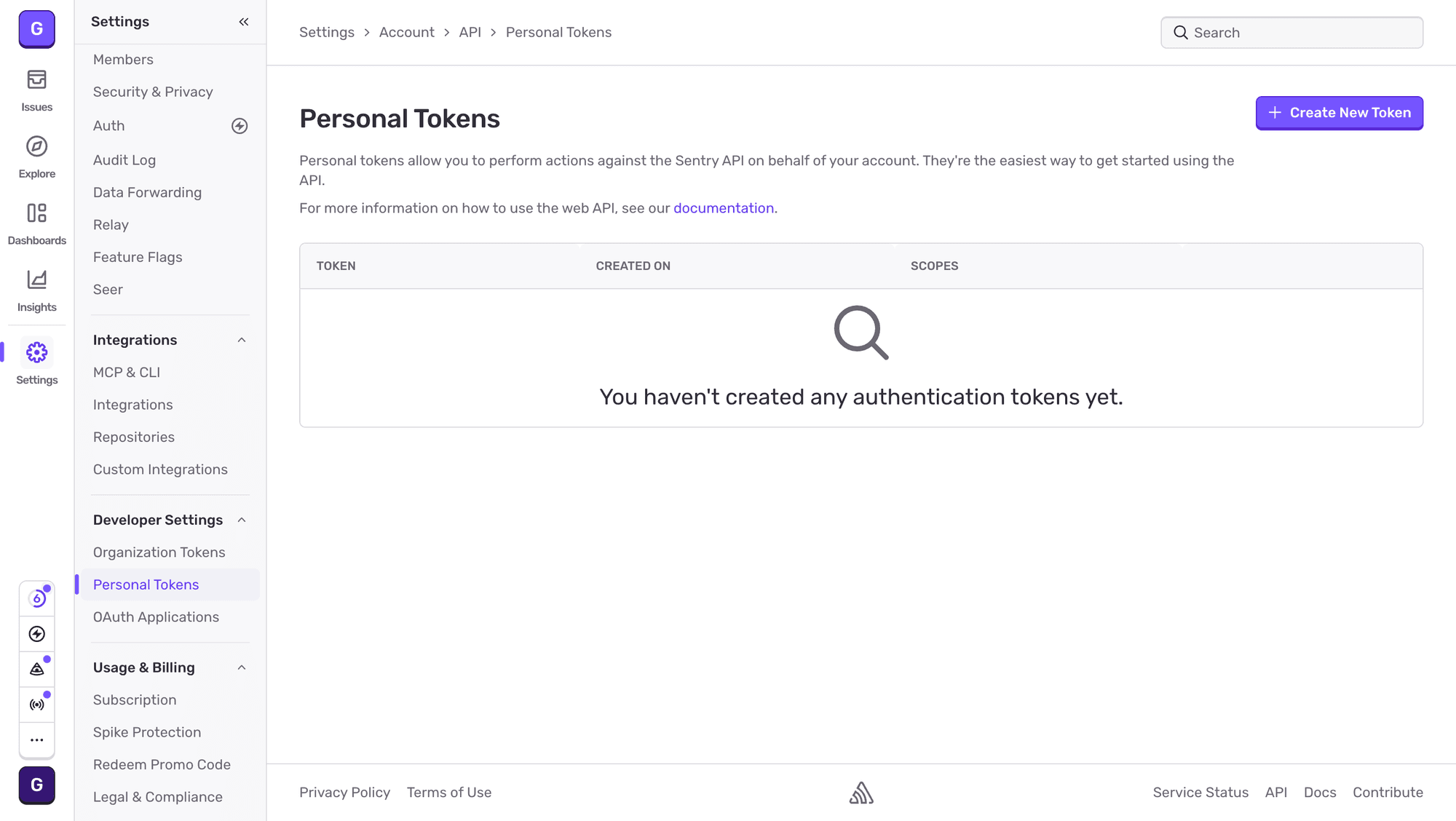
Log in to Sentry and click Settings in the left sidebar. Under Developer Settings, select Personal Tokens.
Create a new token
Click Create New Token. Enter a name (e.g., Squadbase).
Under Permissions, set Read or higher for the categories you want Squadbase to access. At minimum, the following are recommended:
| Permission | Level |
|---|---|
| Project | Read |
| Issue & Event | Read |
| Organization | Read |
Click Create Token.
Copy the token
Copy the generated token and store it in a safe place. It will not be shown again after you leave the page.
The auth token is only shown once at creation. Make sure to copy it before leaving the page.