
Amplitude
Steps and required credentials to connect Amplitude to Squadbase
Required Information
| Field | Description |
|---|---|
| Amplitude API Key | The API key for your Amplitude project. |
| Amplitude Secret Key | The secret key for your Amplitude project. |
| Region (Optional) | The data region of your Amplitude project. Set to eu if hosted in the EU. Leave empty for US (default). |
How to Obtain
Amplitude API Key / Secret Key
-
Log in to Amplitude
-
Click the gear icon in the top right
-
Select Organization settings
-
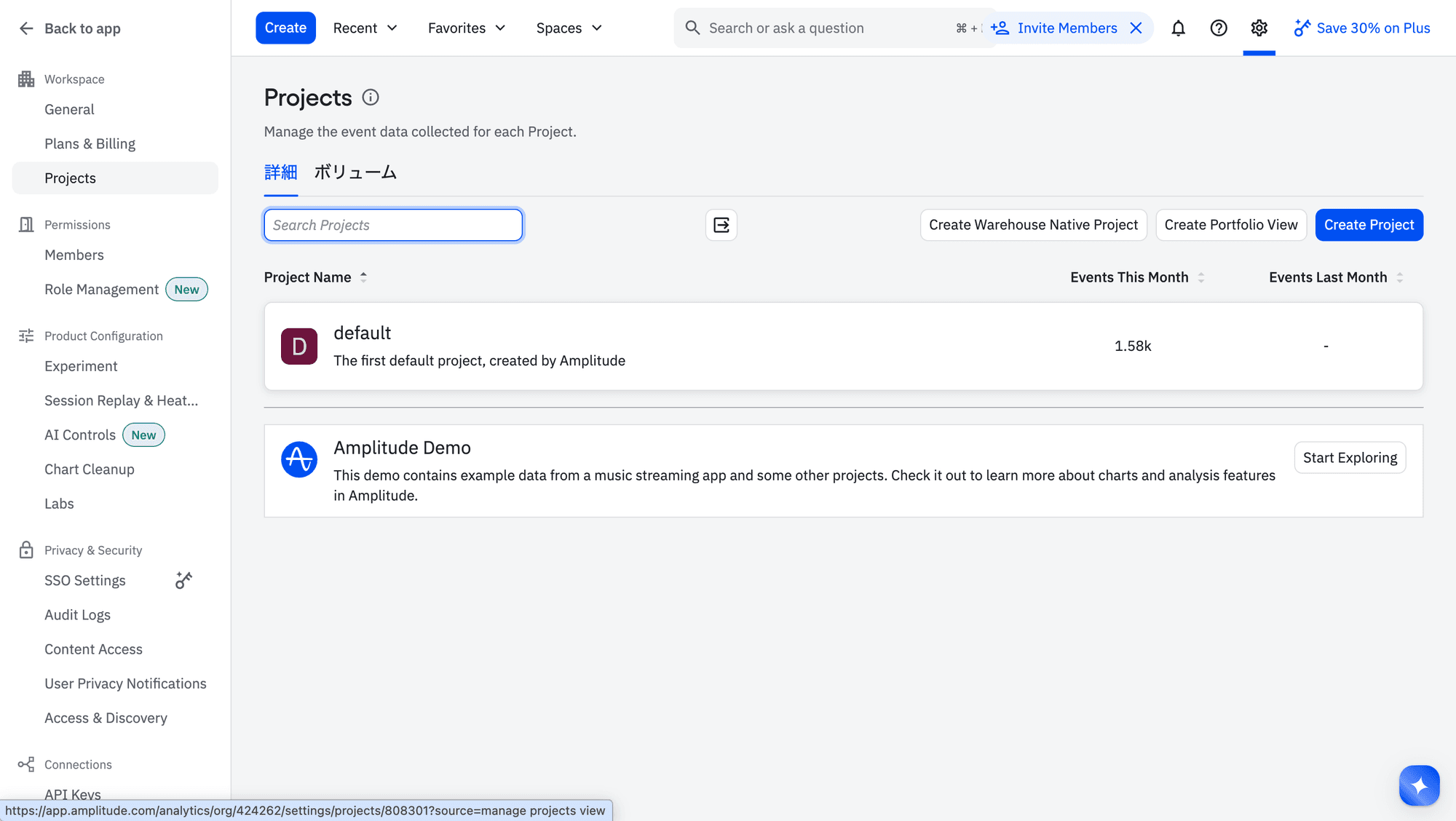
In the left sidebar, go to Workspace → Projects and select the project you want to connect
-
On the General tab, find the Project details section
-
Click Manage next to API Key to copy it
-
Click Show next to Secret Key to reveal and copy it
The Secret Key is sensitive. Store it securely and do not share it publicly.
Region
You can confirm your data region from the URL in your browser when logged in to Amplitude:
| URL | Region value |
|---|---|
app.amplitude.com | Leave empty (US, default) |
app.eu.amplitude.com | eu |