Custom Domain
Customize the URL of your dashboard
Changing the Subdomain
In Squadbase, you can change the subdomain of your deployed dashboard.
How to Change
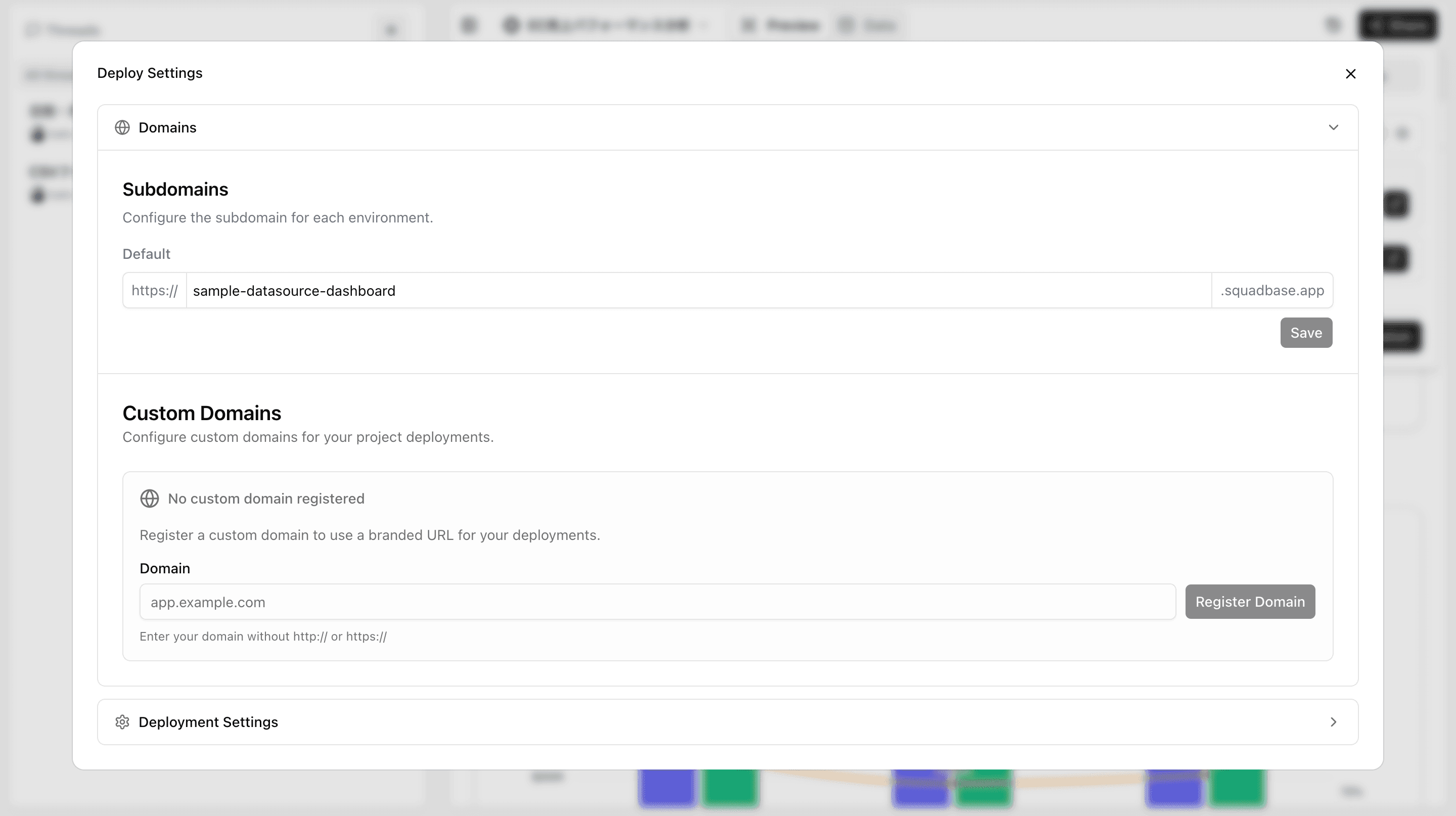
- Open the "Deploy" tab from "Share" in the editor
- Click on your project's repository
- Under "Domains", enter your desired subdomain in the "Subdomains" field
- Click "Save"
After the change, the URL will be in the format {subdomain}.squadbase.app.
Setting a Custom Domain (Team Plan and above)
On the Team plan and above, you can set a custom domain as the dashboard URL instead of the squadbase.app domain.
How to Set Up
- Open the "Deploy" tab from "Share" in the editor
- Click on your project's repository
- Under "Domains", enter your desired domain in the "Custom Domains" field
- Click "Register Domain"
For plan details, see the Billing & Plans page.