Authentication
Authenticate requests to the Squadbase API with a user-issued API key.
Requests to the Squadbase API are authenticated with an API key passed in the x-api-key header. The most common use is calling the API from your own systems — for example, running an Automation on demand from a workflow tool such as Zapier or n8n, a cron job, or an internal tool.
| Header | Required | Description |
|---|---|---|
x-api-key | ✅ | A user-issued API secret key (system-issued keys are not allowed) |
Content-Type | ✅ | application/json (for requests with a body) |
Creating an API Key
You can create API Keys from your Squadbase account settings. API Keys can be configured with fine-grained access control, restricting them to specific teams and projects.
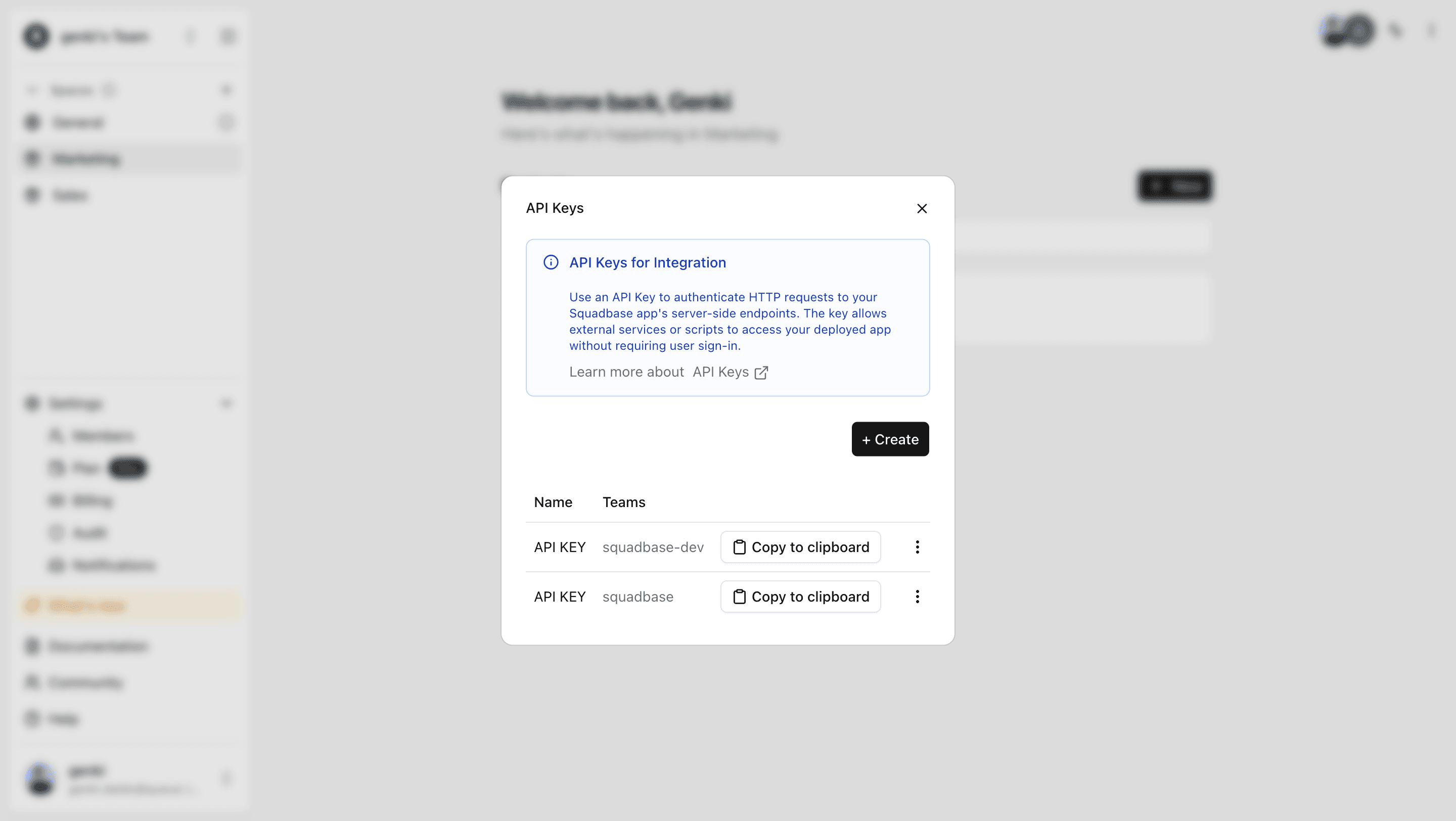
- Click the account icon at the bottom of the left sidebar on the Portal screen and open API Keys.
- Click the +Create button and enter a name for the API Key.
- Select the teams and projects you want to grant access to, then click Create API Key to generate your key.
Authorization rules
- The key owner must be a non-Viewer member of the project that owns the target resource.
- The key must be scoped to the target project / team, otherwise the request returns
401. - IP restrictions apply: both the per-API-key source IP allowlist and the team IP restriction are enforced against the derived team.
Using an API Key
Pass your key in the x-api-key header of your HTTP requests. For example, to run an Automation:
curl -X POST 'https://api.squadbase.dev/v0/automation/<PROJECT_ID>/<AUTOMATION_NAME>/trigger' \
  -H 'x-api-key: <YOUR_API_KEY>' \
  -H 'Content-Type: application/json' \
  -d '{}'
See the API Overview for all available endpoints.