Business Logic
Define queries and functions that Squadbase AI prioritizes when performing data analysis and building dashboards
What is Business Logic?
Business Logic lets you pre-define common data retrieval patterns and aggregation logic as queries and functions within your project.
Defined queries and functions are prioritized by AI when it receives instructions in chat. Configuring them appropriately can improve the accuracy of AI responses and speed up processing.
When a project is created, Business Logic is automatically generated based on the connected data source. The generated content can be freely edited and expanded.
If you want to supplement contextual information such as business terminology or domain knowledge as text, use Knowledge.
Queries & Functions
Queries and functions define common data retrieval and aggregation patterns. Each definition consists of a query name, description, column definitions, and an SQL query.
Components
| Field | Description |
|---|---|
| Query name | A name that identifies the query (e.g., Daily Sales Trend) |
| Description | An overview of what this query aggregates or returns |
| Column definitions | A list of returned column names, types, and descriptions. Used by AI to understand the data structure |
| SQL query | The SQL definition that actually retrieves data. Executed against the connected database |
How to Add a Query or Function
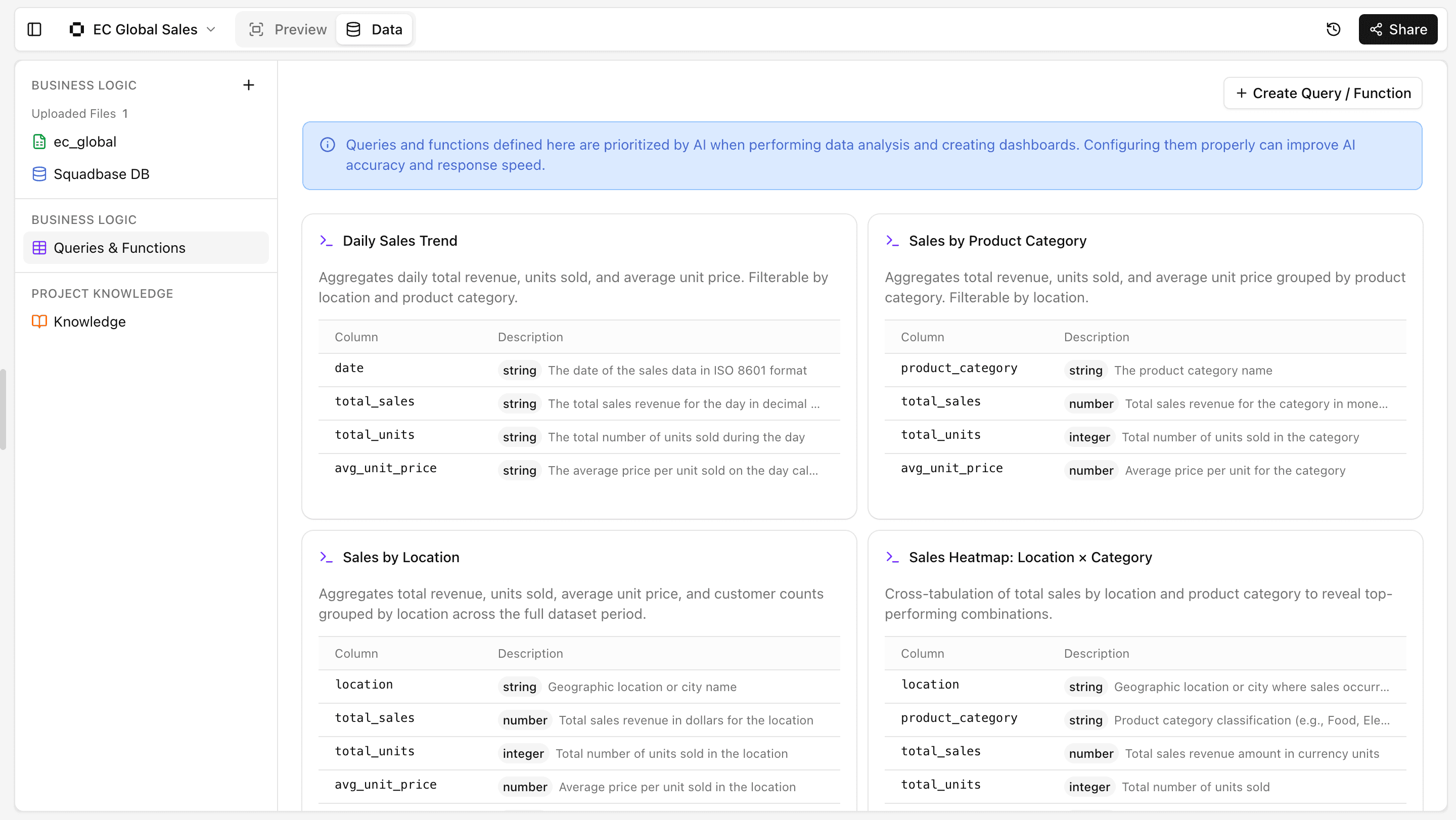
- Open the "Data" tab in your project
- Select "Business Logic" > "Queries & Functions" in the left sidebar
- Click "+ Create Query / Function" in the top right
- Enter the information via chat
How to Edit a Query or Function
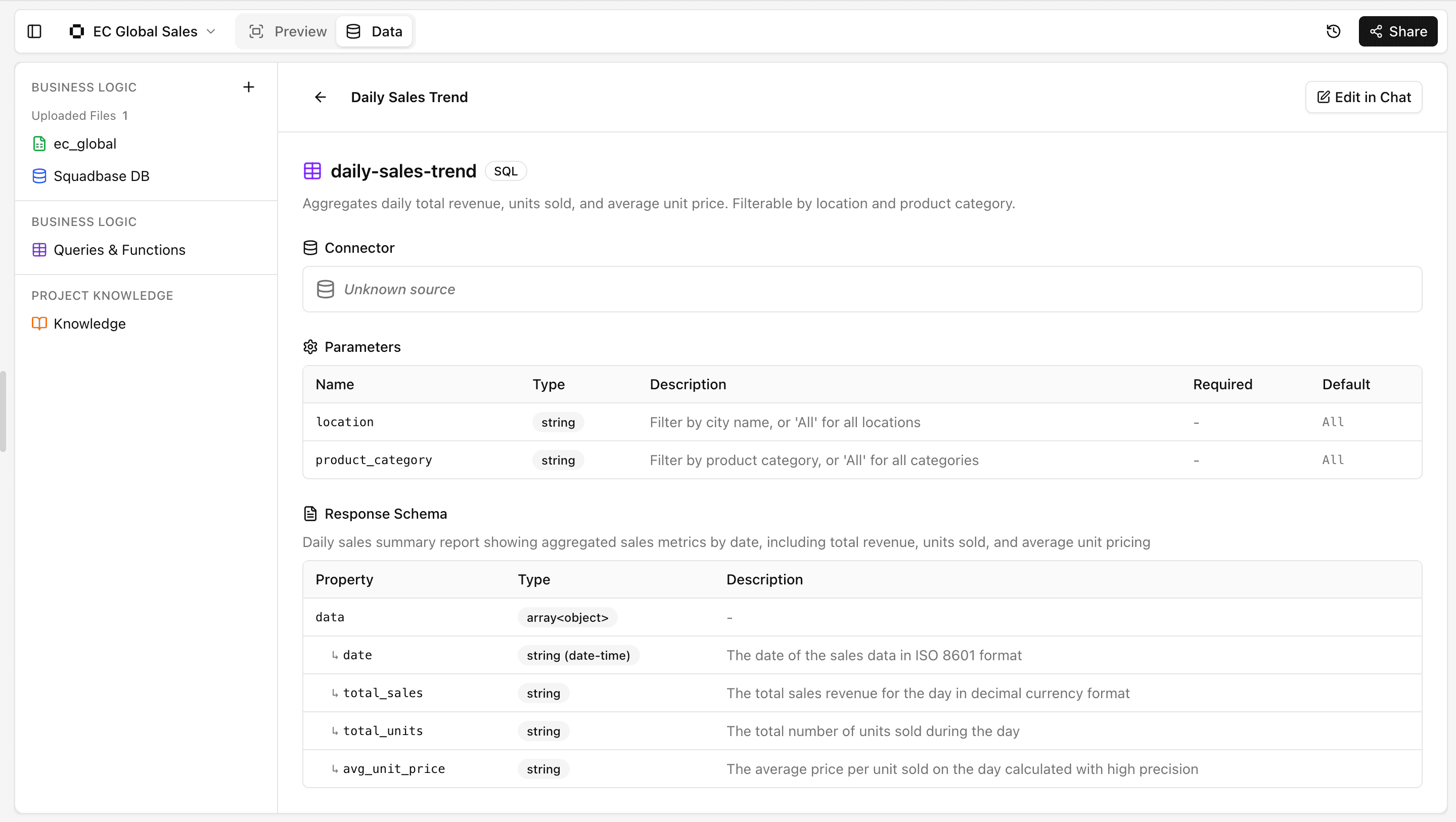
- Open the "Data" tab in your project
- Select "Business Logic" > "Queries & Functions" in the left sidebar
- Click on the query or function you want to modify
- Click "Edit in Chat" in the top right
- Enter the information via chat
Tips & FAQ
Q: What kinds of queries are most effective to define?
A: Defining frequently used aggregation patterns (daily, monthly, by category, etc.) and company-specific metrics (LTV, repeat rate, etc.) will improve the accuracy of AI responses.
Q: Does AI work without any defined queries?
A: Yes, AI can still perform analysis based on the data source schema even without defined queries. However, defining queries and functions enables more accurate and faster responses.
Q: Can queries be edited later?
A: Yes. Click on any query in the list to edit it. Changes are reflected in AI immediately.