History
View and restore previous versions of your dashboard
Squadbase continuously saves a history of changes. You can check what a previous version looked like or revert to an earlier state, allowing you to develop with confidence.
Version Management
Every time AI makes an edit, the change history is recorded in GitHub.
There are two options: Squadbase's managed repository, or linking your own GitHub repository. In both cases, changes are saved each time an edit is made.
For details on GitHub integration, see the GitHub Integration page.
Restoring a Previous Version
Open the editor and click the clock icon in the top right.
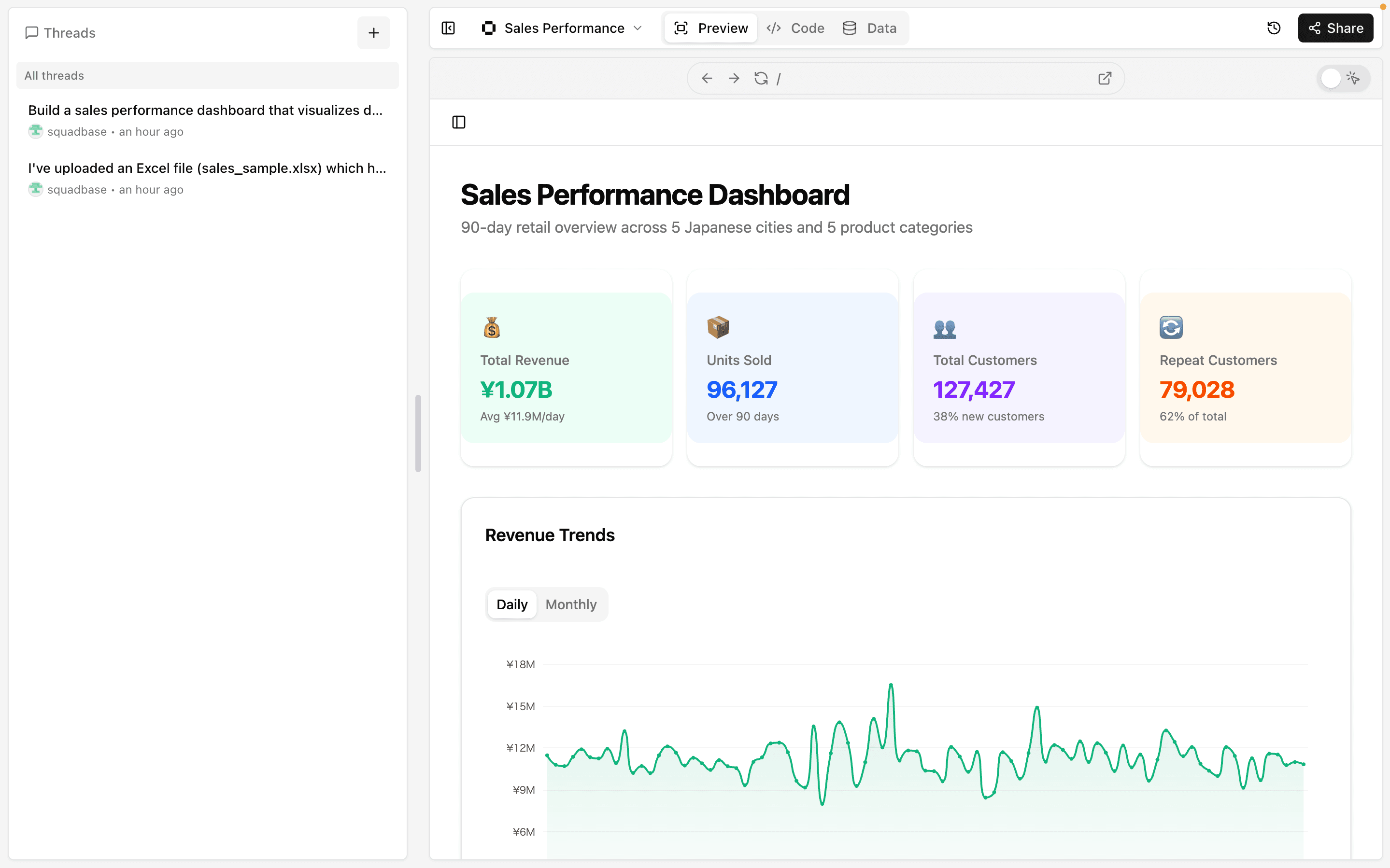
Your change history will appear. The history is automatically saved each time AI edits the dashboard.
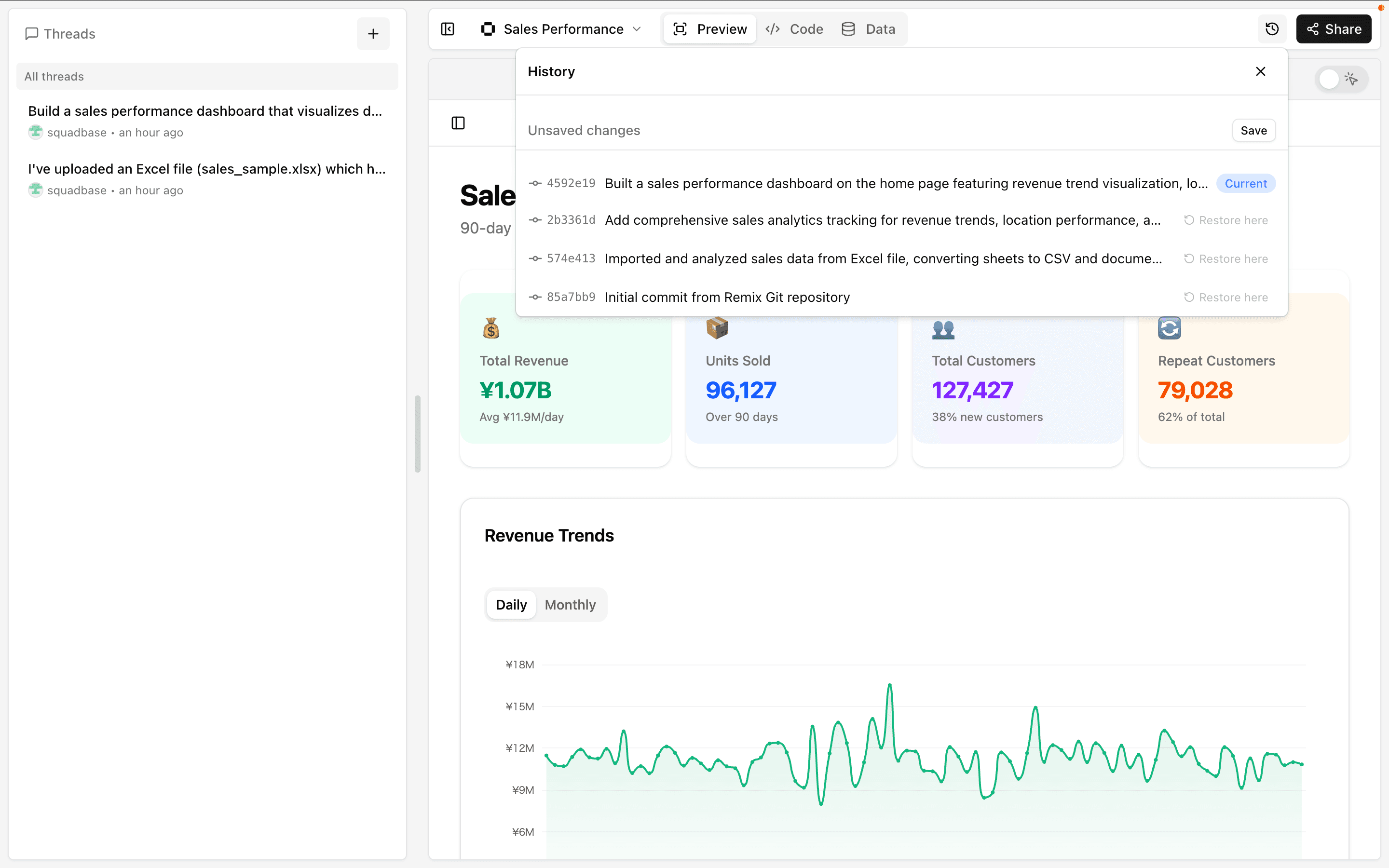
The entry marked "Current" is the active version.
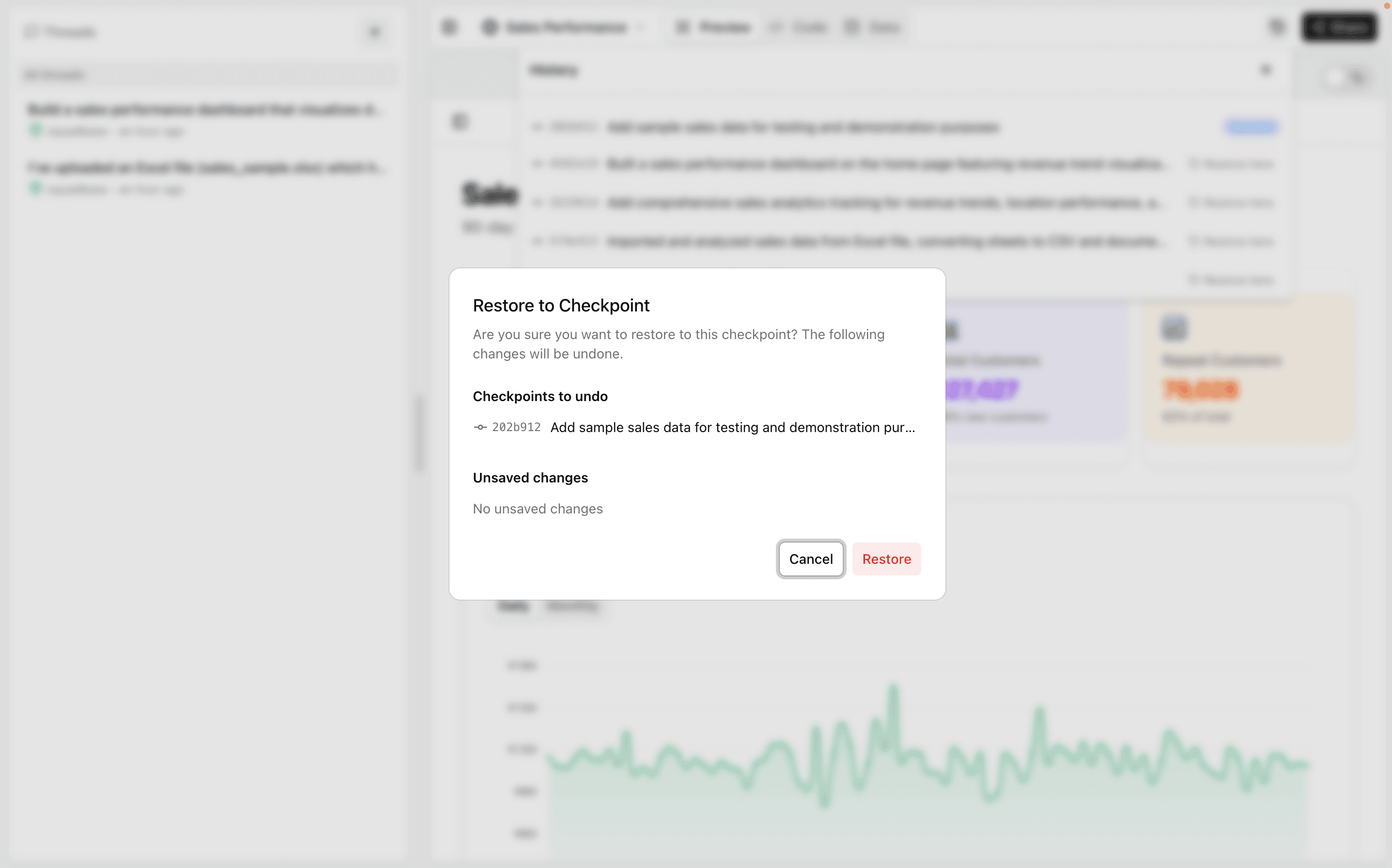
To revert to a previous version, click the "Restore here" button. A confirmation screen will appear — click "Restore" to complete the rollback.