
API Key Authentication
Squadbase's API Key authentication provides secure access to deployed server-side applications.
Server-side applications built with frameworks like FastAPI and deployed on Squadbase automatically receive API Key authentication protection without any additional code. This allows applications built with Streamlit, Next.js, and similar frameworks to securely call your server-side APIs.
Creating an API Key
You can create API Keys from your Squadbase account settings. API Keys can be configured with fine-grained access control, restricting them to specific teams and projects.
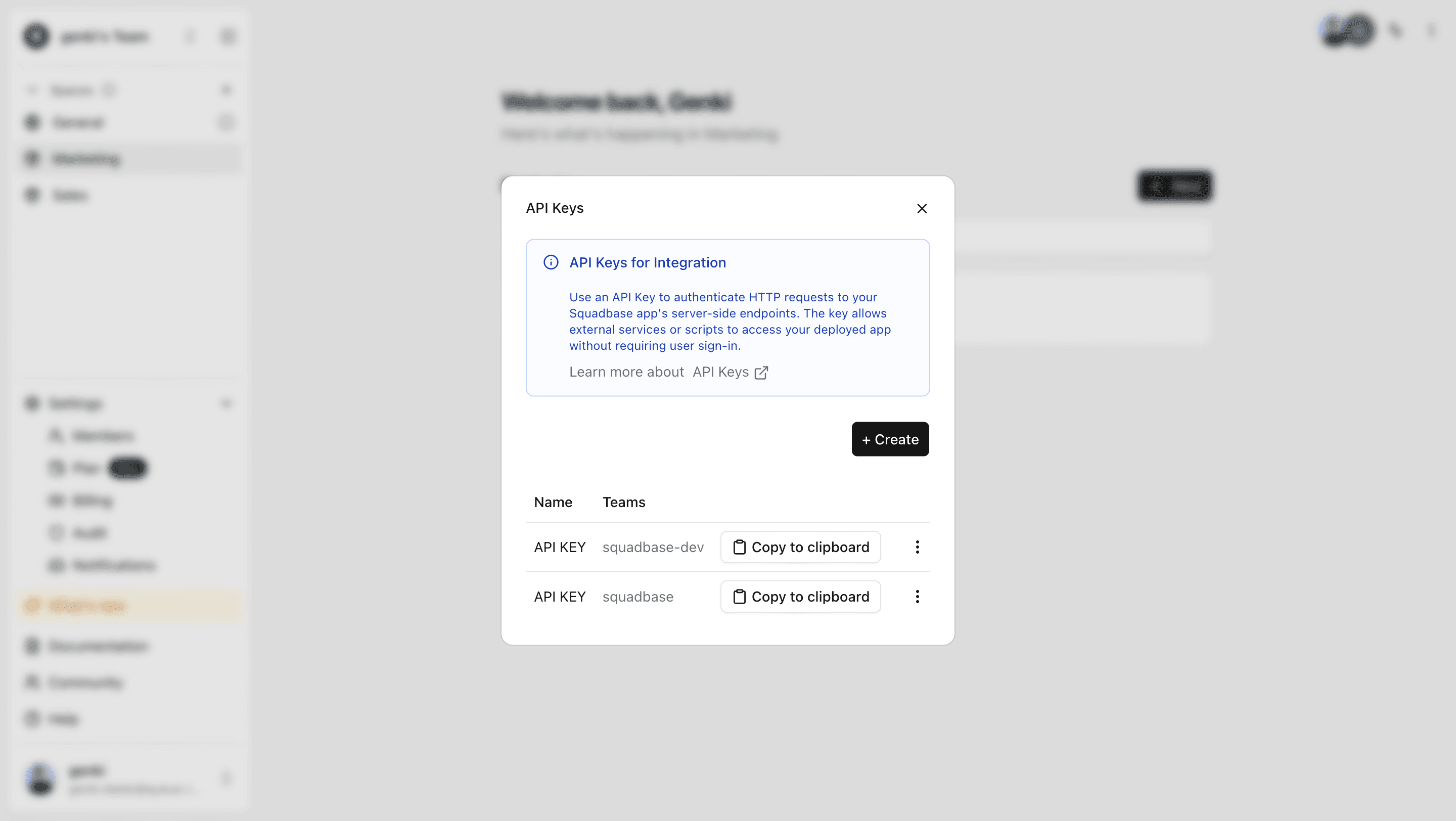
- Click the account icon at the bottom of the left sidebar on the Portal screen and open API Keys.
- Click the +Create button and enter a name for the API Key.
- Select the teams and projects you want to grant access to, then click Create API Key to generate your key.
Accessing Applications with API Keys
To access your deployed applications using an API Key, include the x-api-key header in your HTTP requests. This enables API Key authentication for secure access to your server-side APIs.
curl -X GET "https://your-subdomain.squadbase.app/" \
  -H "x-api-key: your-api-key"
import requests
response = requests.get("https://your-subdomain.squadbase.app/", headers={"x-api-key": "your-api-key"})
print(response.json())import axios from "axios";
const response = await axios.get("https://your-subdomain.squadbase.app/", {
headers: {
"x-api-key": "your-api-key",
},
});
console.log(response.data);