
Jira
Steps and required credentials to connect Jira to Squadbase
Required Information
| Field | Description |
|---|---|
| Jira Instance URL | Your Jira Cloud site URL — the base address without any trailing path (e.g., https://your-domain.atlassian.net). |
| Email Address | The email address associated with your Atlassian account used for API authentication. |
| Atlassian API Token | The API token for your Atlassian account used for Jira authentication. |
How to Obtain
Jira Instance URL
This is the base URL of your Jira Cloud site. You can find it in the browser address bar when logged in to Jira.
Example: https://your-domain.atlassian.net
Do not include any path after the domain (e.g., /jira or /projects).
Email Address
Use the email address you use to log in to your Atlassian account.
Atlassian API Token
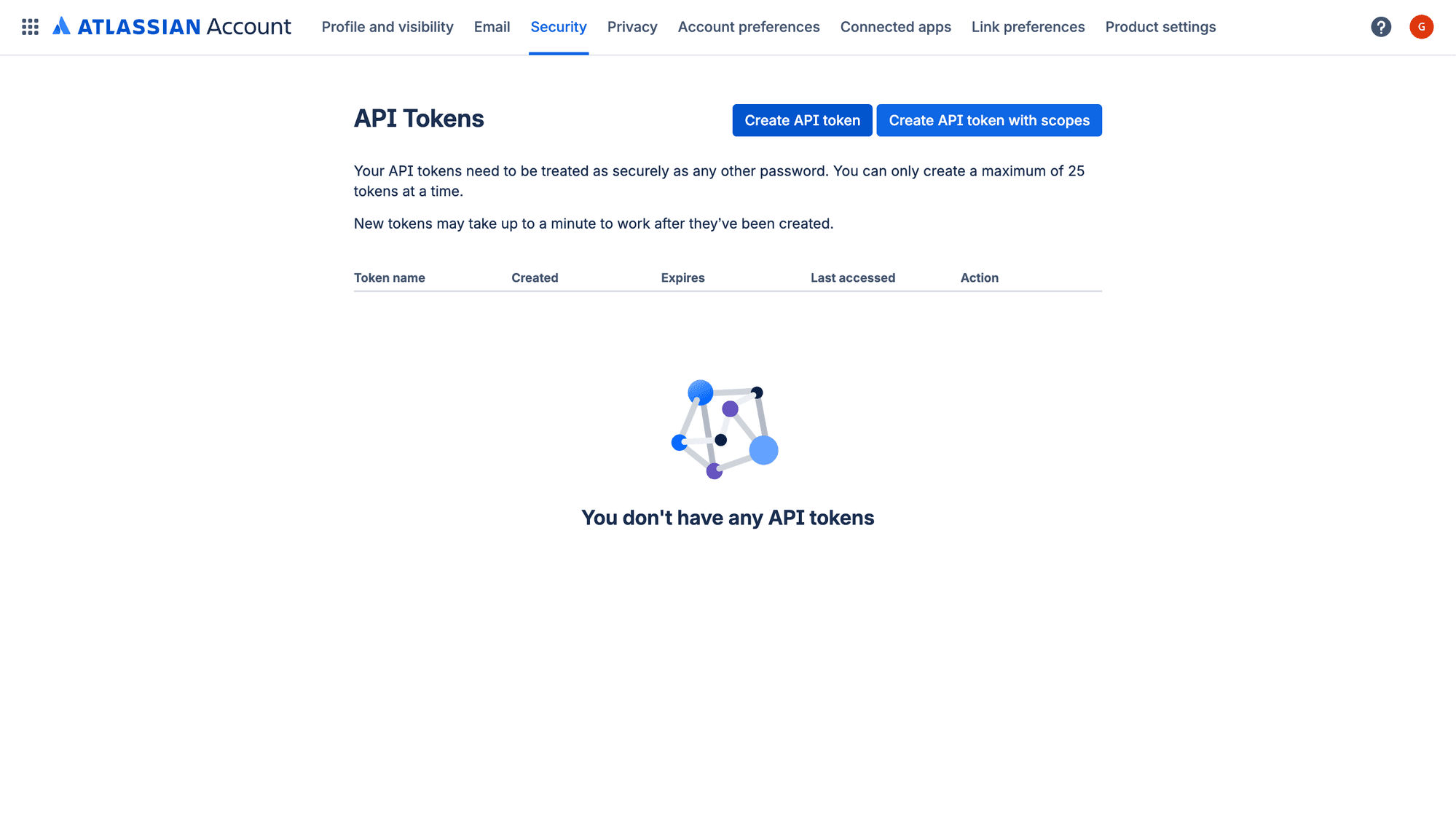
Create a new API token
Click Create API token, enter a label to identify the token (e.g., Squadbase), and click Create.
Copy the token
Copy the generated token and store it in a safe place. It will not be shown again after you close the dialog.