
ClickHouse
Steps and required credentials to connect ClickHouse to Squadbase
Required Information
| Field | Description |
|---|---|
| ClickHouse Server URL | The URL of the ClickHouse server (e.g., https://host:8443 or http://localhost:8123). |
| ClickHouse Username | The username for ClickHouse authentication (default: default). |
| ClickHouse Password | The password for ClickHouse authentication. |
| ClickHouse Database (Optional) | The default database to use (default: default). |
How to Obtain
ClickHouse Server URL / ClickHouse Username / ClickHouse Password
ClickHouse Cloud
- Log in to ClickHouse Cloud
- Select your service from the left sidebar
- Click Connect in the left sidebar
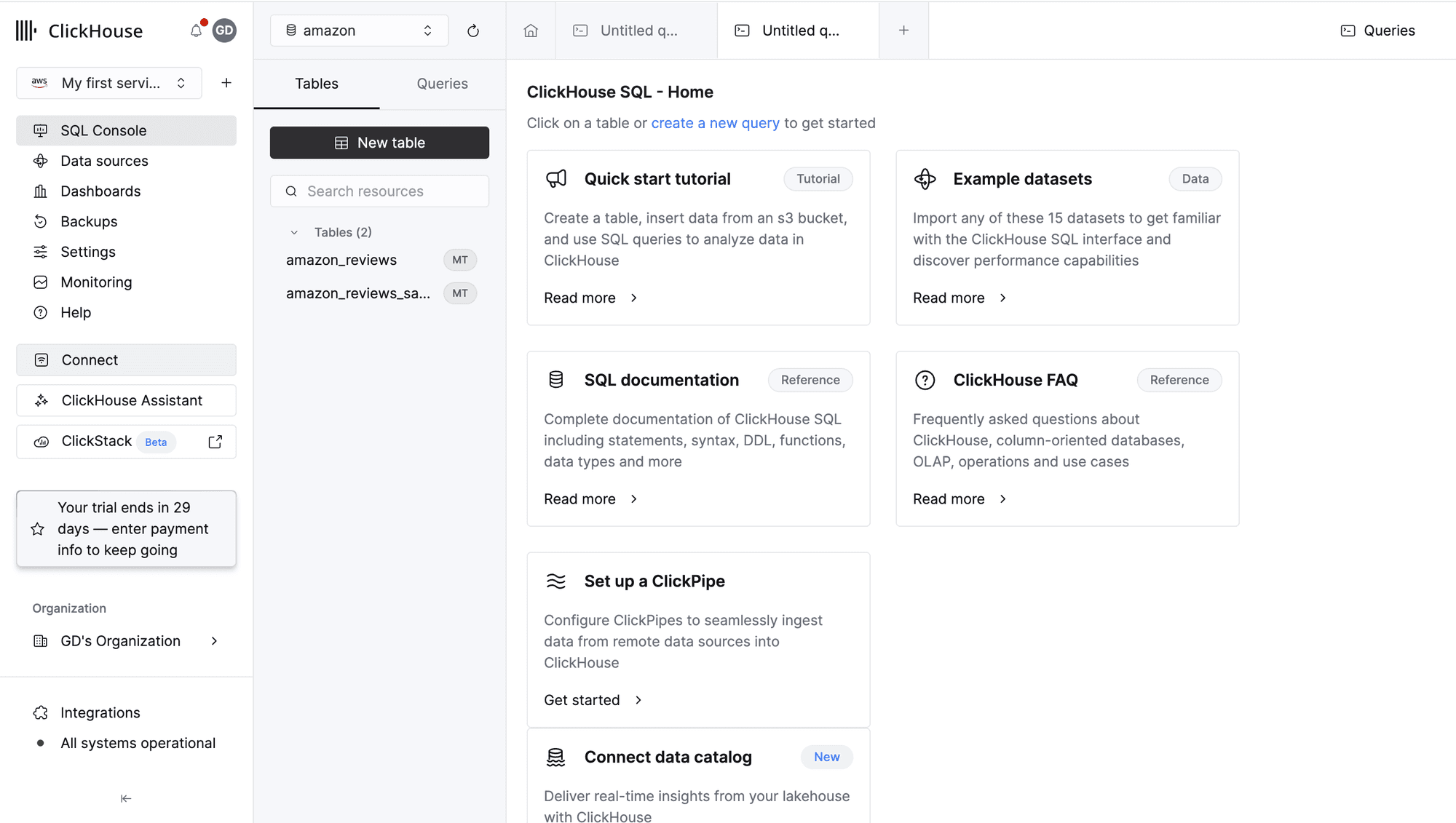
- The Username and Server URL are displayed in the connection dialog
The server URL appears in the sample command, for example:
https://your-instance.region.aws.clickhouse.cloud:8443Copy this URL.
Password
The password is only shown once at the time of service creation and cannot be retrieved afterward. If you have lost your password, follow these steps to reset it:
- Open the Connect dialog
- Click reset it next to the password field
- Follow the instructions to set a new password
Resetting your password will invalidate any existing connections using the old password. Make sure to update all integrations after resetting.
Self-hosted ClickHouse
The server URL follows this format:
| Protocol | Default Port | Example |
|---|---|---|
| HTTPS (TLS) | 8443 | https://host:8443 |
| HTTP | 8123 | http://localhost:8123 |
Use the hostname or IP address of your ClickHouse server along with the appropriate port.
ClickHouse Database (Optional)
The name of the database to connect to by default. If left blank, default is used. You can find your database names by running the following query in the SQL Console:
SHOW DATABASES