
Intercom
Steps and required credentials to connect Intercom to Squadbase
Required Information
| Field | Description |
|---|---|
| Access Token | Your Intercom Access Token (found in Developer Hub > Your App > Authentication). |
How to Obtain
Access Token
Open the Developer Hub
Log in to Intercom and navigate to the Developer Hub. You can also access it via Settings → Developer Hub within the Intercom app.
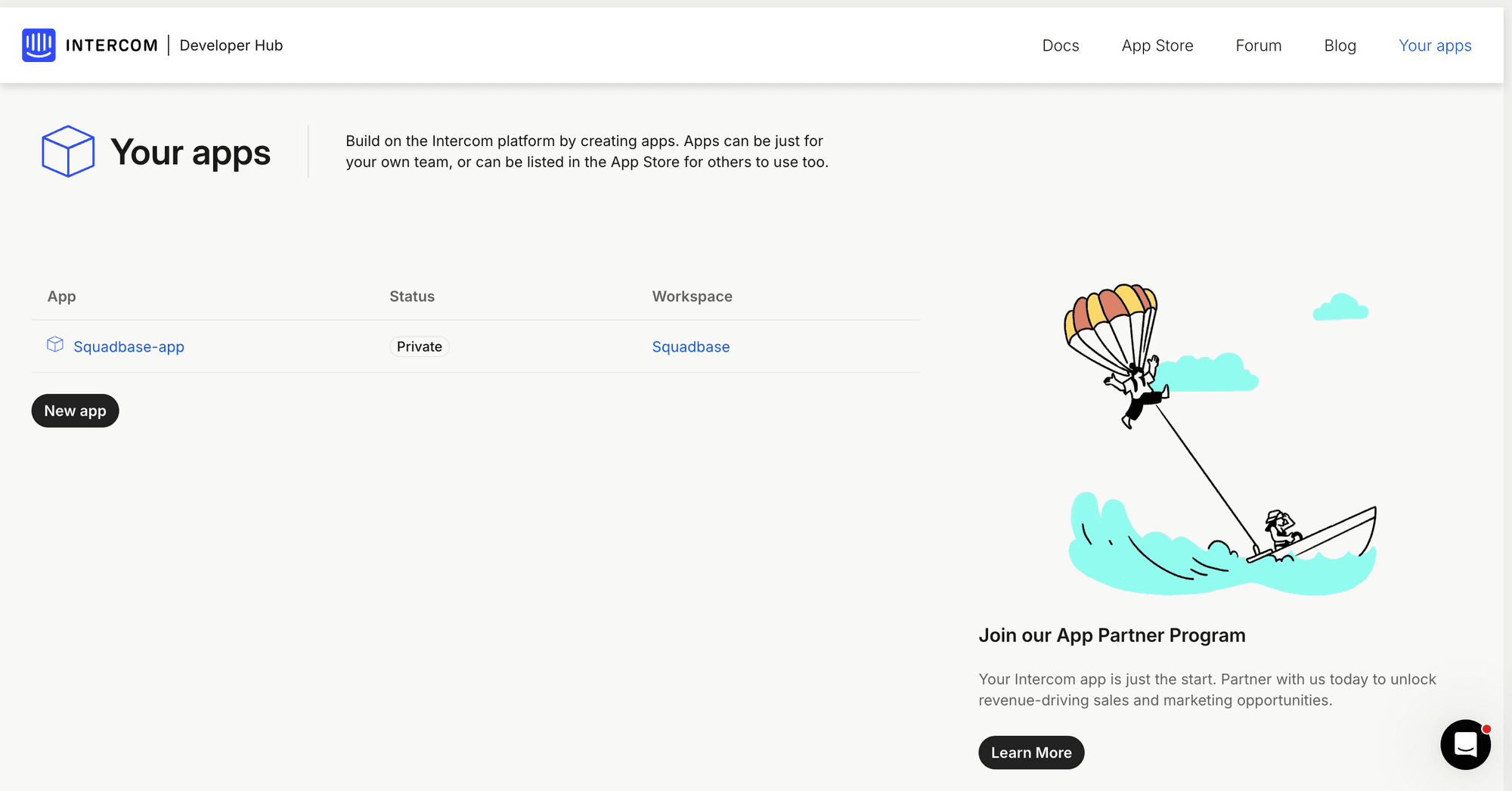
Open your app
Select the app you want to use from the app list. If you don't have one yet, click New app to create one.
Copy the Access Token
Go to the Authentication tab. Copy the Access token shown under the token section.