
Mailchimp
Steps and required credentials to connect Mailchimp to Squadbase
Required Information
| Field | Description |
|---|---|
| Mailchimp API Key | Your Mailchimp API key. The key includes the datacenter suffix (e.g., xxxxxxxxxxxxxxxx-us6). |
How to Obtain
Mailchimp API Key
Open Account & billing
Log in to Mailchimp and click your profile icon in the top-right corner, then select Account & billing.
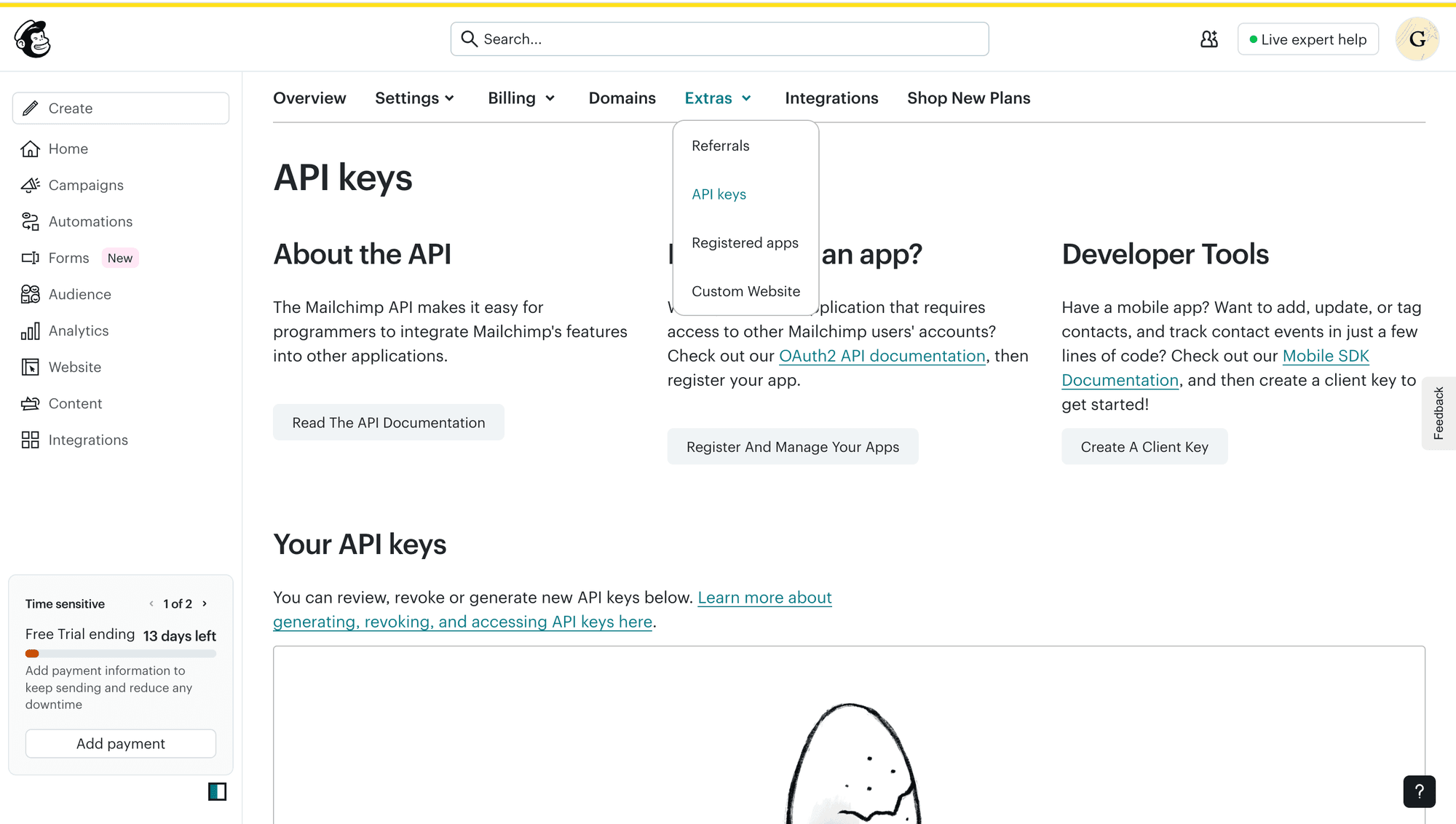
Create an API key
Click Create A Key, enter a name for the key, and click Generate Key.
Copy the generated API key — it will not be shown again. The key format includes a datacenter suffix (e.g., xxxxxxxxxxxxxxxx-us6).