
Databricks
Steps and required credentials to connect Databricks to Squadbase
Required Information
| Field | Description |
|---|---|
| Databricks Workspace Host | The hostname of your Databricks workspace (e.g., your-workspace.cloud.databricks.com). |
| Databricks Access Token | A personal access token used to authenticate with Databricks. |
| SQL Warehouse HTTP Path | The HTTP path of the SQL Warehouse to use for query execution (e.g., /sql/1.0/warehouses/abc123). |
How to Obtain Each Value
Databricks Workspace Host
- Log in to your Databricks workspace
- Look at the browser's address bar
- Copy the hostname portion (e.g.,
your-workspace.cloud.databricks.com)
Do not include https:// or any path after the hostname.
Databricks Access Token
- Log in to your Databricks workspace
- Click your username in the top-right corner and select Settings
- Navigate to Developer → Access tokens
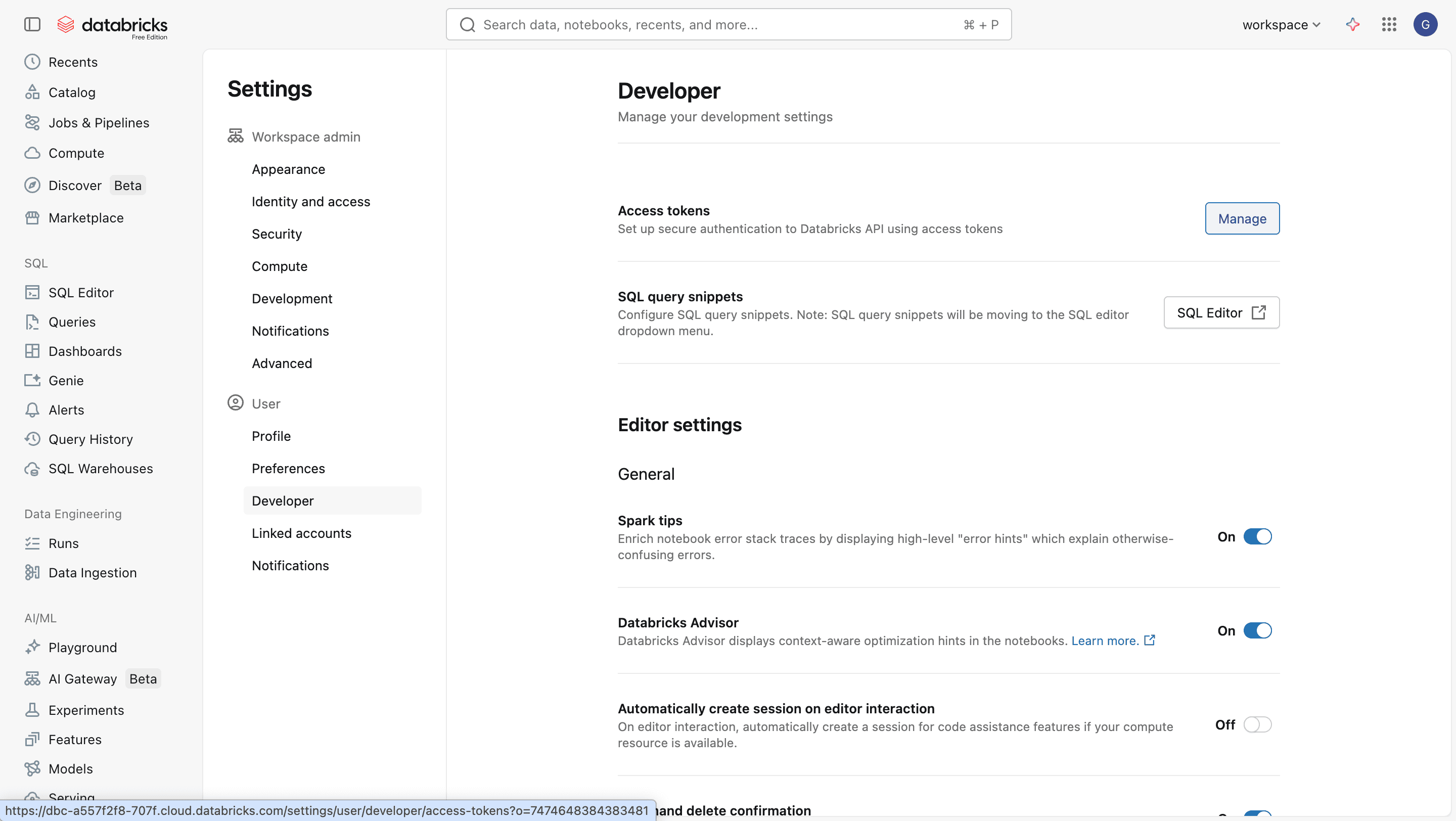
- Click Generate new token
- Enter a description and set the expiration, then click Generate
- Copy the generated token and store it in a safe place
SQL Warehouse HTTP Path
- In the left sidebar, click SQL Warehouses (or Compute → SQL Warehouses)
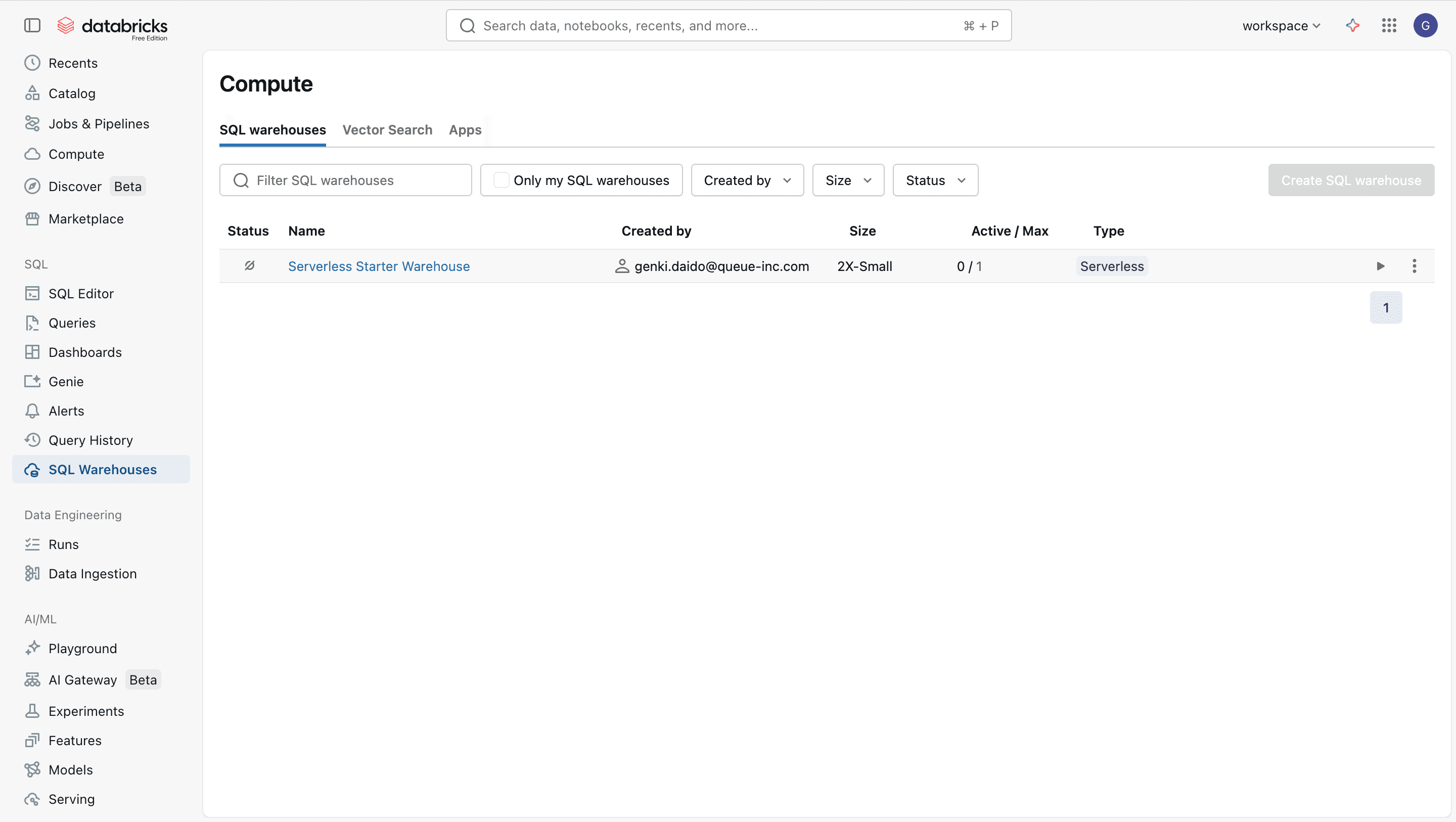
- Click the name of the SQL Warehouse you want to use
- Open the Connection details tab
- Copy the value shown in the HTTP path field (e.g.,
/sql/1.0/warehouses/abc123)