
Notion
Steps and required credentials to connect Notion to Squadbase
Notion supports two connection methods: OAuth and API Key.
Connecting with OAuth
A simple connection method using your Notion account. No additional files or configuration required.
Select Notion
On the data source setup screen, select "Notion."
Authenticate with Notion
Click the "Connect with Notion" button to be redirected to Notion's authentication screen. Select the account you want to use and complete the authentication.
Review permissions and click "Select pages"
A list of permissions to be granted to Squadbase will be displayed. Review the details and click Select pages.
Select pages to grant access
Choose the pages you want to grant access to from your team spaces, shared, or private sections, then click Allow access.
Connecting with API Key
A connection method using a Notion Internal Integration Token.
Required Information
| Field | Description |
|---|---|
| Notion Internal Integration Token | The Internal Integration Token from your Notion integration settings (starts with ntn_ or secret_). |
How to Obtain
Notion Internal Integration Token
Open My Integrations
Go to Notion My Integrations and log in with your Notion account.
Create or select an integration
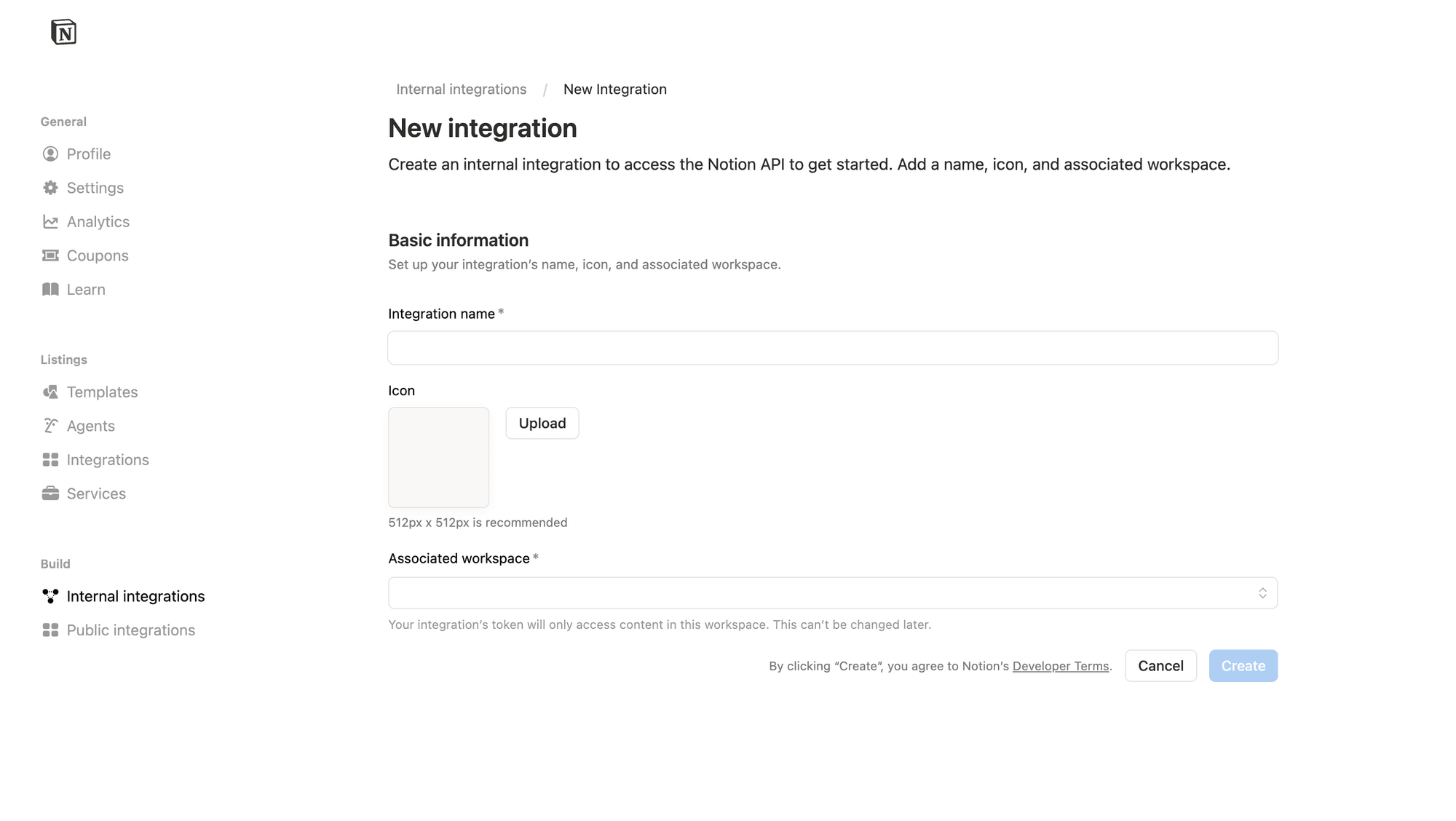
Select an existing integration from the list, or click Create new integration.
If creating a new one, enter an Integration name, select the Associated workspace, and click Create. Note that the associated workspace cannot be changed later.
Copy the Internal Integration Secret
In the Configuration tab, find the Internal Integration Secret field and click Show. Copy the token — it starts with ntn_ or secret_.
Connect pages to the integration
Open the Content access tab and click Edit access in the top right. Select the pages or databases you want Squadbase to access and add them, then click Save.
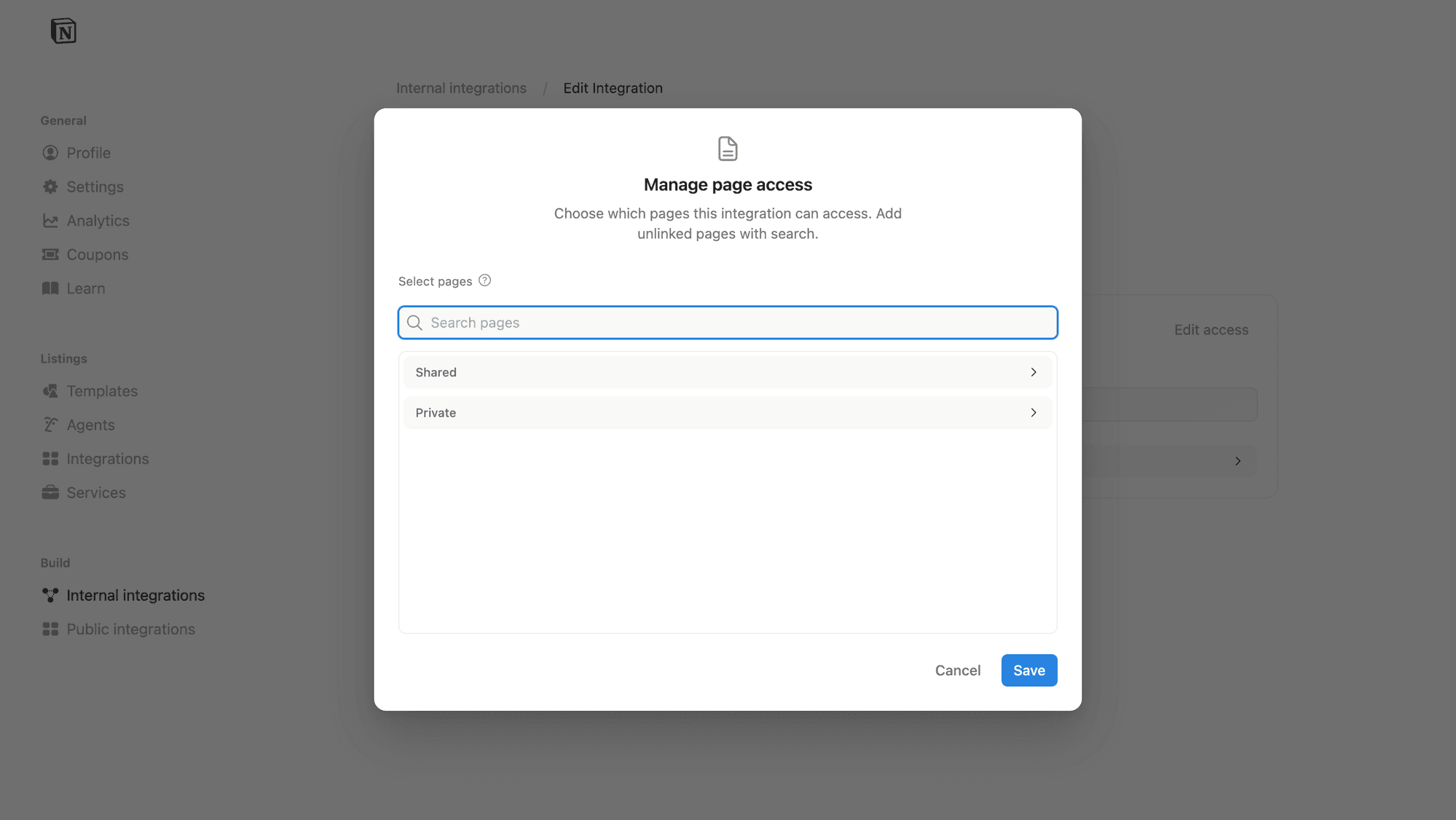
The integration can only access pages and databases that have been explicitly added to it. Make sure to add all pages you want to use in Squadbase.