Web Scraping
Collect publicly available web data and build dashboards with Squadbase AI
Web Scraping lets you collect data from publicly accessible websites and turn it into a dashboard — no API or credentials required. Squadbase AI asks what you want to collect, searches the web, and helps you build the dashboard step by step.
How to Connect
Select Web Scraping from the data source list and click Continue. Squadbase AI will ask what data you want to collect.
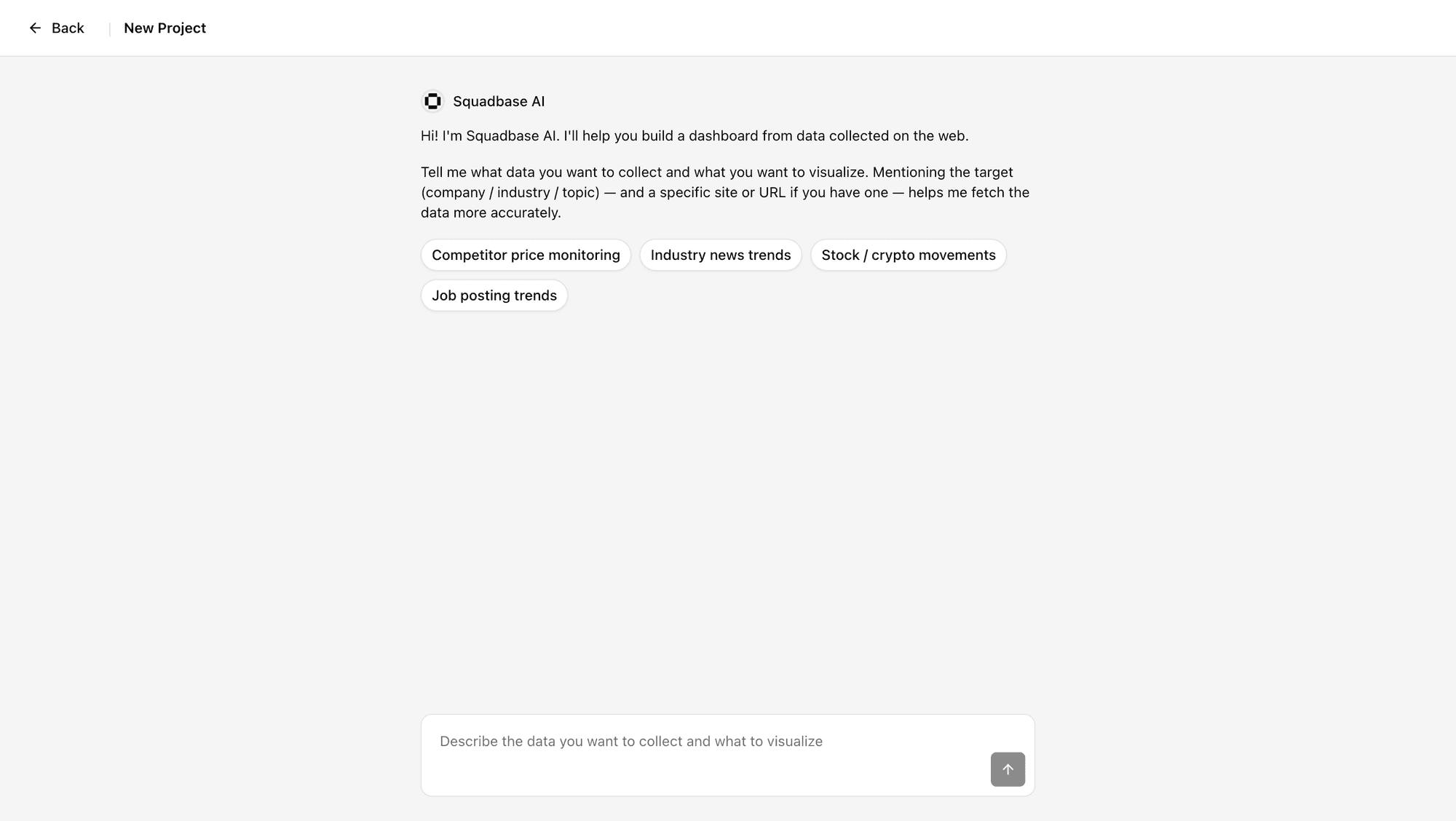
Describe what you want to achieve. If you have a specific site or URL in mind, include it — this helps the AI collect data more accurately.
Prompt Examples
The following are examples of what works well. A good rule of thumb: if the data is published somewhere on the web and a quick search would lead you to it, the AI can likely collect it too. If the data isn't publicly available at all, the AI has no way to detect that — it will keep searching without finding anything, so make sure what you're asking for is actually out there.
The more specific your prompt, the better the results. Narrow down the scope by specifying a company name, URL, time period, or exact metric — rather than leaving it broad.
Competitor price monitoring
"Collect the plan names and monthly prices listed on [competitor URL] and track how they change over time."
Industry news trends
"Collect the latest article headlines from TechCrunch and The Verge, and show which topics appear most frequently."
Job postings list
"Collect the data engineer job listings on Indeed Japan (company, location, salary range) into a single list."
Crypto asset list
"Collect the symbol, current price, and market cap of the top crypto assets by market cap from CoinMarketCap into a list."