Excel/CSV
Upload an Excel or CSV file and build a dashboard from it
When you upload an Excel or CSV file (.csv, .xlsx, or .xls), it's imported into Squadbase DB and you can build a dashboard from it right away. The uploaded file stays as a data source, so you can use it in other projects too.
Create a new project
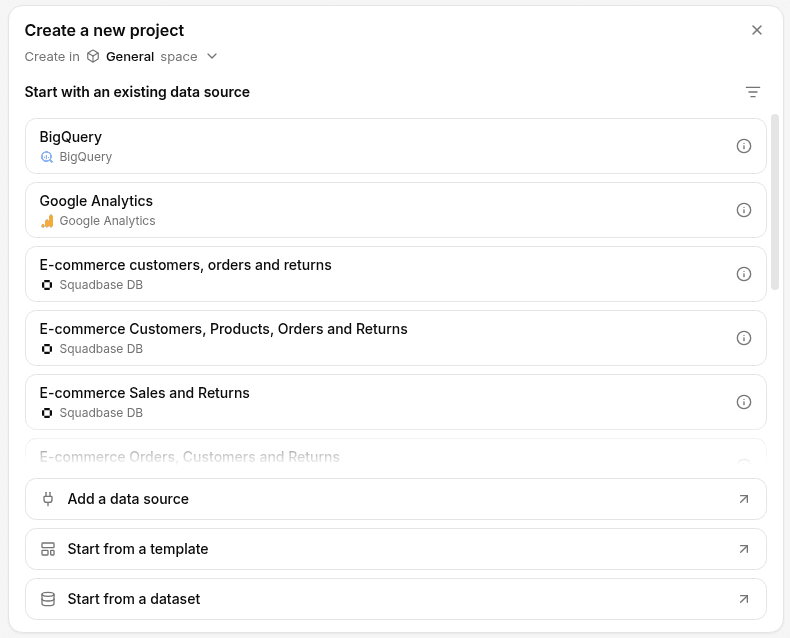
On the Home screen, click Create a new project, then click Add a data source in the panel that opens.
Upload your file
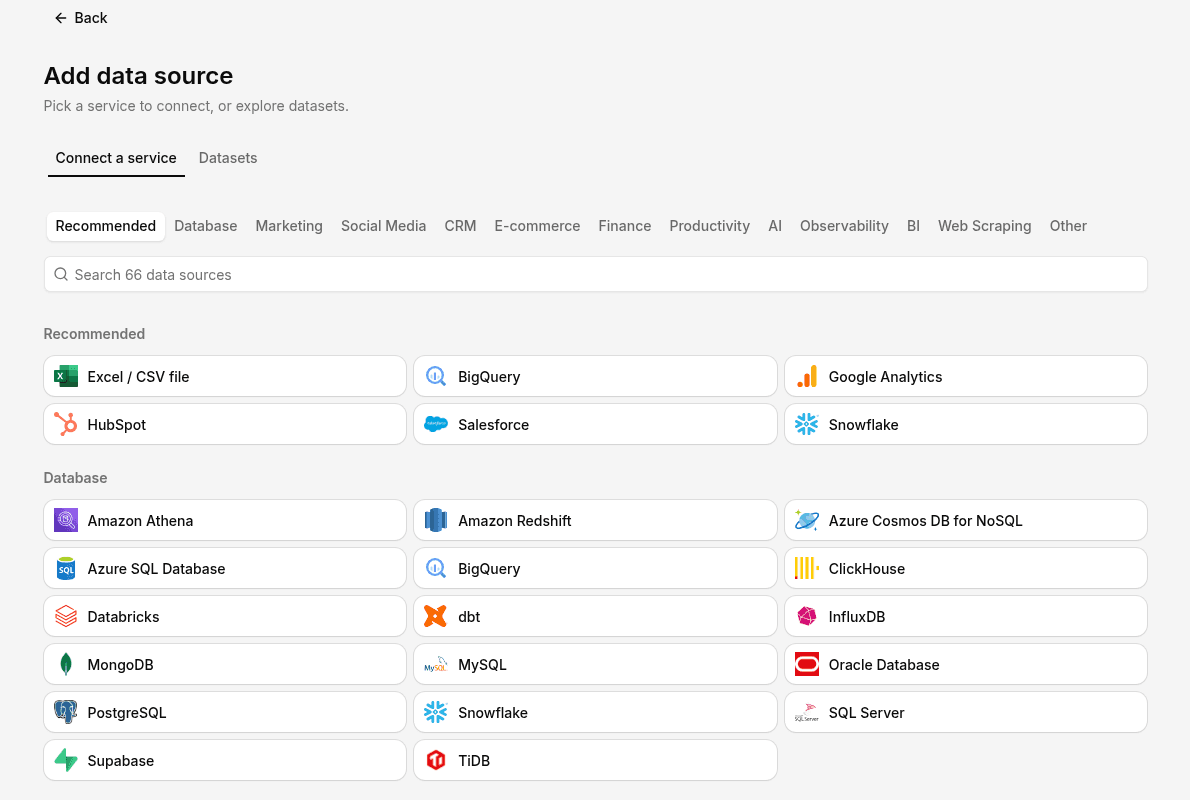
In the Connect a service tab, click Excel / CSV file under Recommended and choose the file you want to analyze. You can choose several files at once.
Wait for the project to be set up
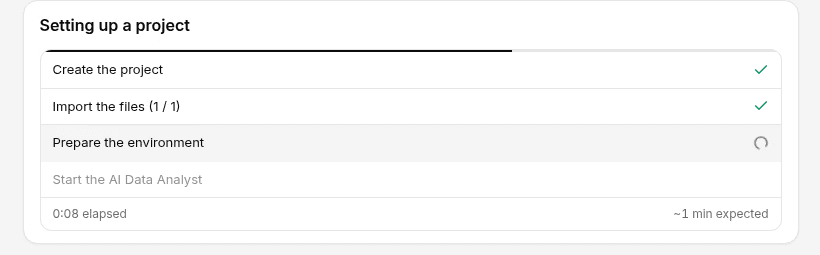
As soon as you choose a file, the project is created and setup runs through Create the project, Import the files, Prepare the environment, and Start the AI Data Analyst. It takes about a minute.
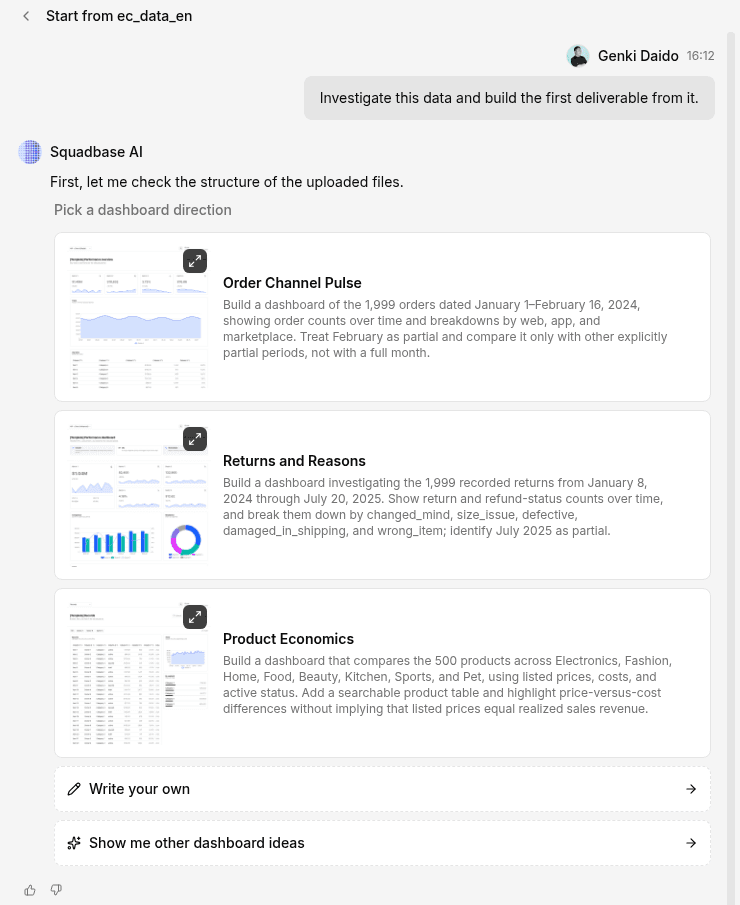
Pick a dashboard direction
When the project opens, the AI checks your data and suggests directions for the dashboard. Pick one, or click Write your own and type your instructions. Then choose how to set the colors and style, and click Next.
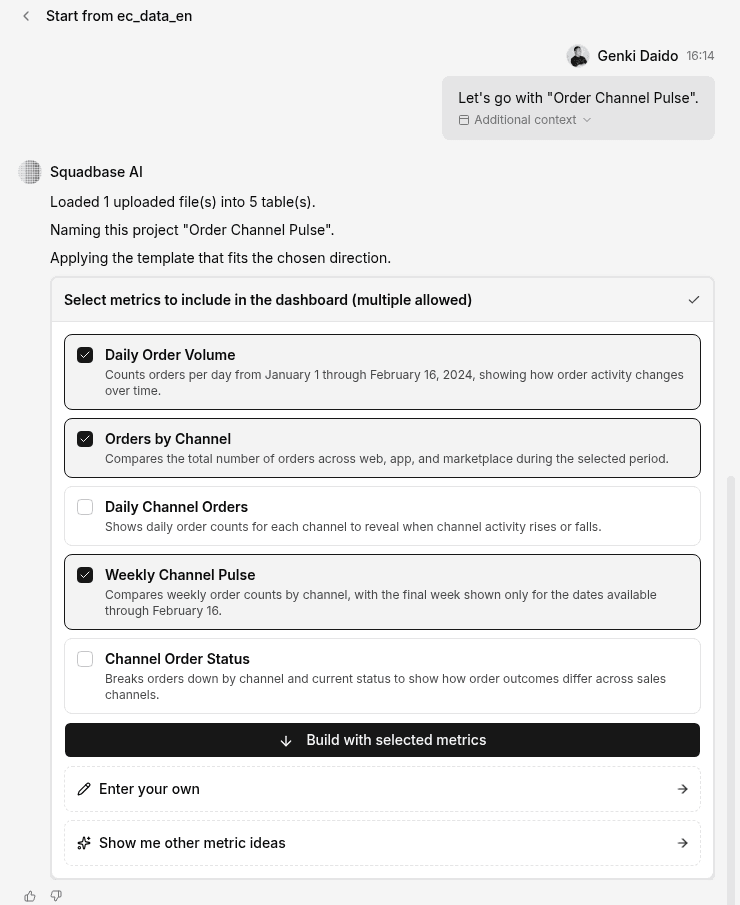
Select metrics and build
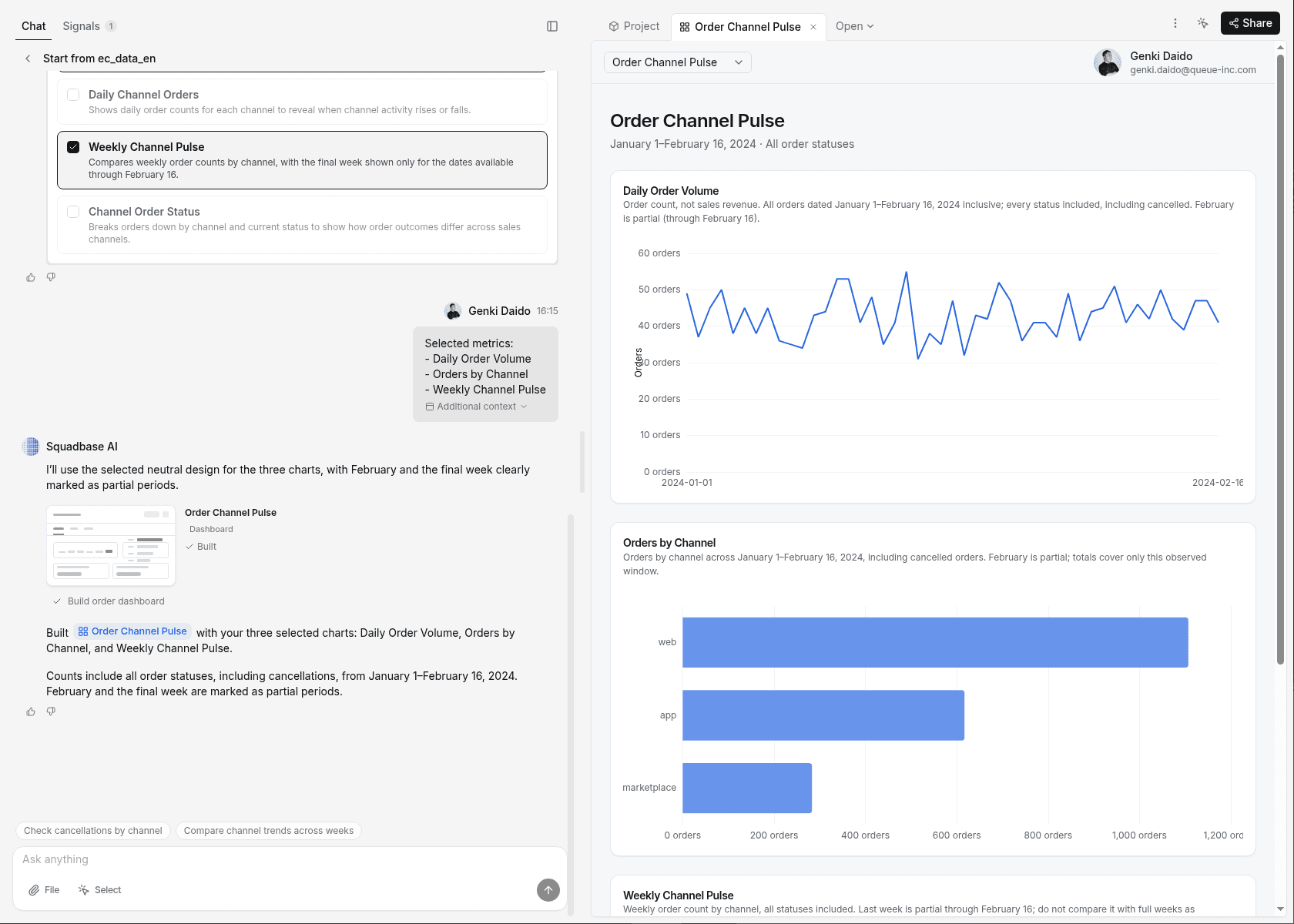
Select the metrics to include in the dashboard and click Build with selected metrics.
Your dashboard is ready
After a short wait, the dashboard is ready and appears in the preview. From there, you can adjust it by giving instructions in chat.