Personal Settings
Learn how to configure your personal settings
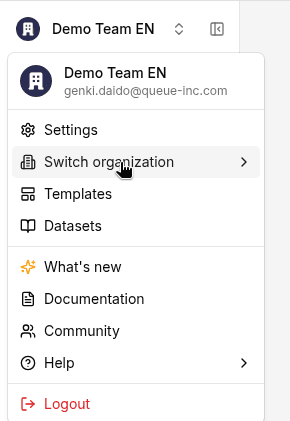
Configure your own account settings. Click the organization name at the top left of the sidebar and open Settings (it opens on Organization > General). Your personal settings are under Account: Profile, Security, Language & Timezone, Notifications, and API Keys.
Profile
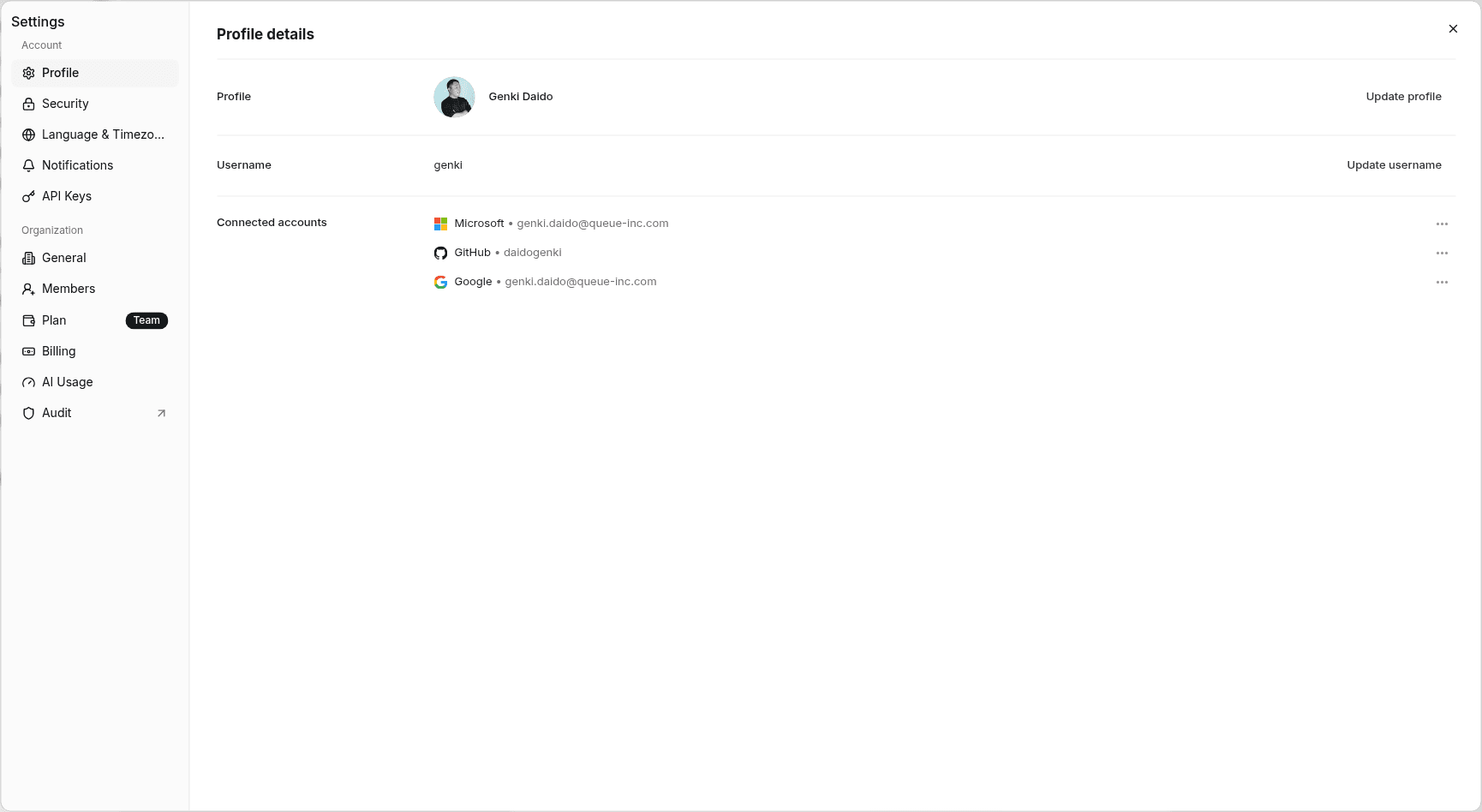
In Profile details, you can set the following:
- Profile: The image and name shown for your account. Change them with Update profile
- Username: Change your username with Update username
- Connected accounts: Shows the external accounts you've connected. You can remove each one with Delete in its … menu
Security
- Set password: Set your login password
- Passkeys: Set up passkey authentication with Add passkey
- Two-factor authentication: Set up two-factor authentication with Add two-factor authentication
- Active devices: See the devices you're signed in on
Language & Timezone
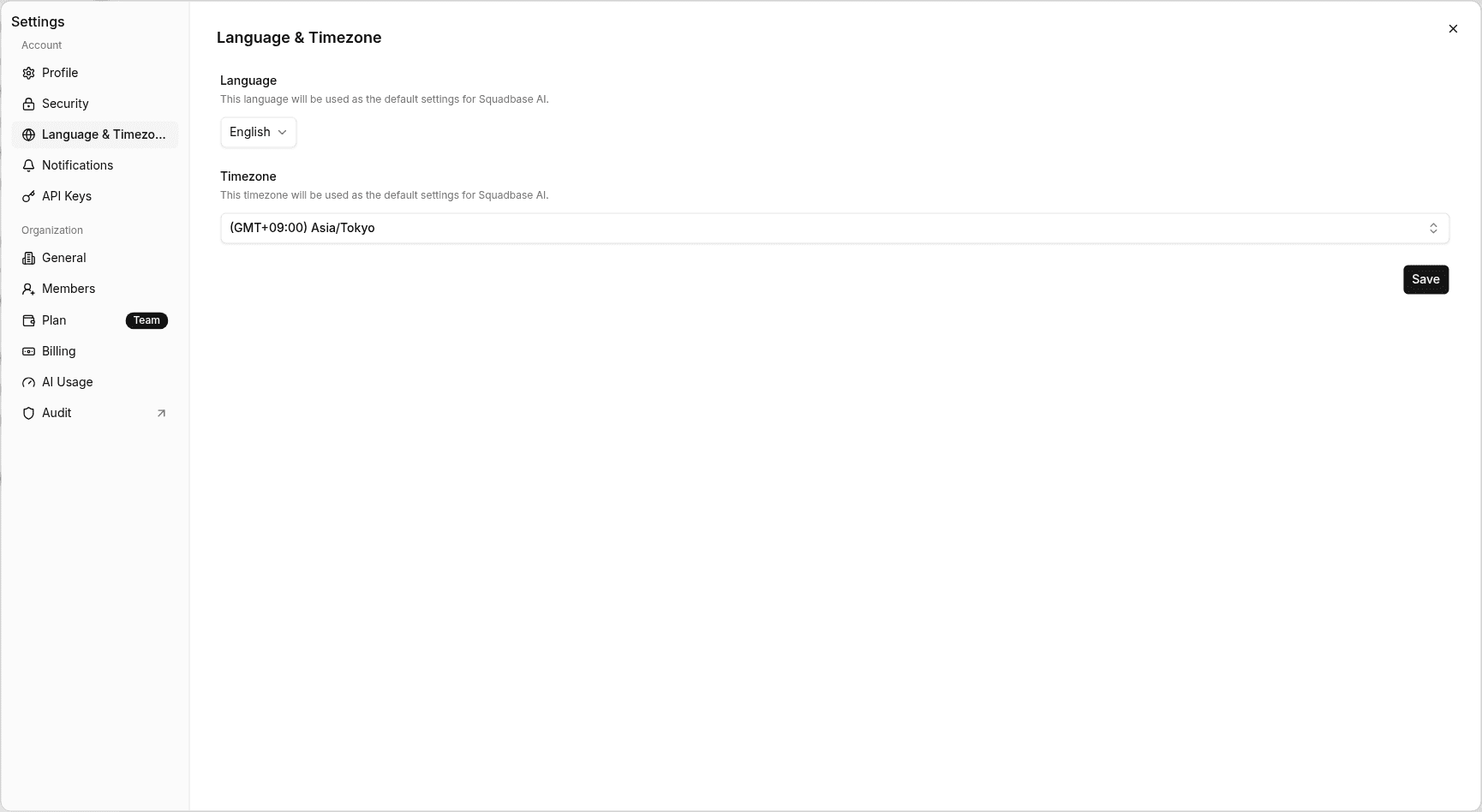
You can change the following settings:
- Language: The UI language and the default for Squadbase AI
- Timezone: The default for Squadbase AI
Click Save to apply the changes.
API Keys
Create API keys with Create API Key. You can restrict in detail which teams and projects each API key can be used with.
For details, see the API keys page.
Notifications
Deployment notifications
- Deployment started: Get notified when a new deployment starts
- Deployment result: Get notified when a deployment succeeds or fails
Collaboration notifications
- Project invitation: Get notified when you're invited to a project
- Space created: Get notified when a new space is created
- Space invitation: Get notified when you're invited to a space
After changing your settings, click Save Settings to save them.