Introducing Templates - Start from a Pre-Built Dashboard

You no longer have to build a dashboard from scratch to start a new project. With templates, a pre-built dashboard is already there when your project is created.
There are two kinds. Public templates are available to everyone, and team templates are ones you create from your own project and share within your organization. Pick one from the gallery for whatever you're working on, or turn the setups your team reaches for again and again into templates of your own.
Starting from a public template
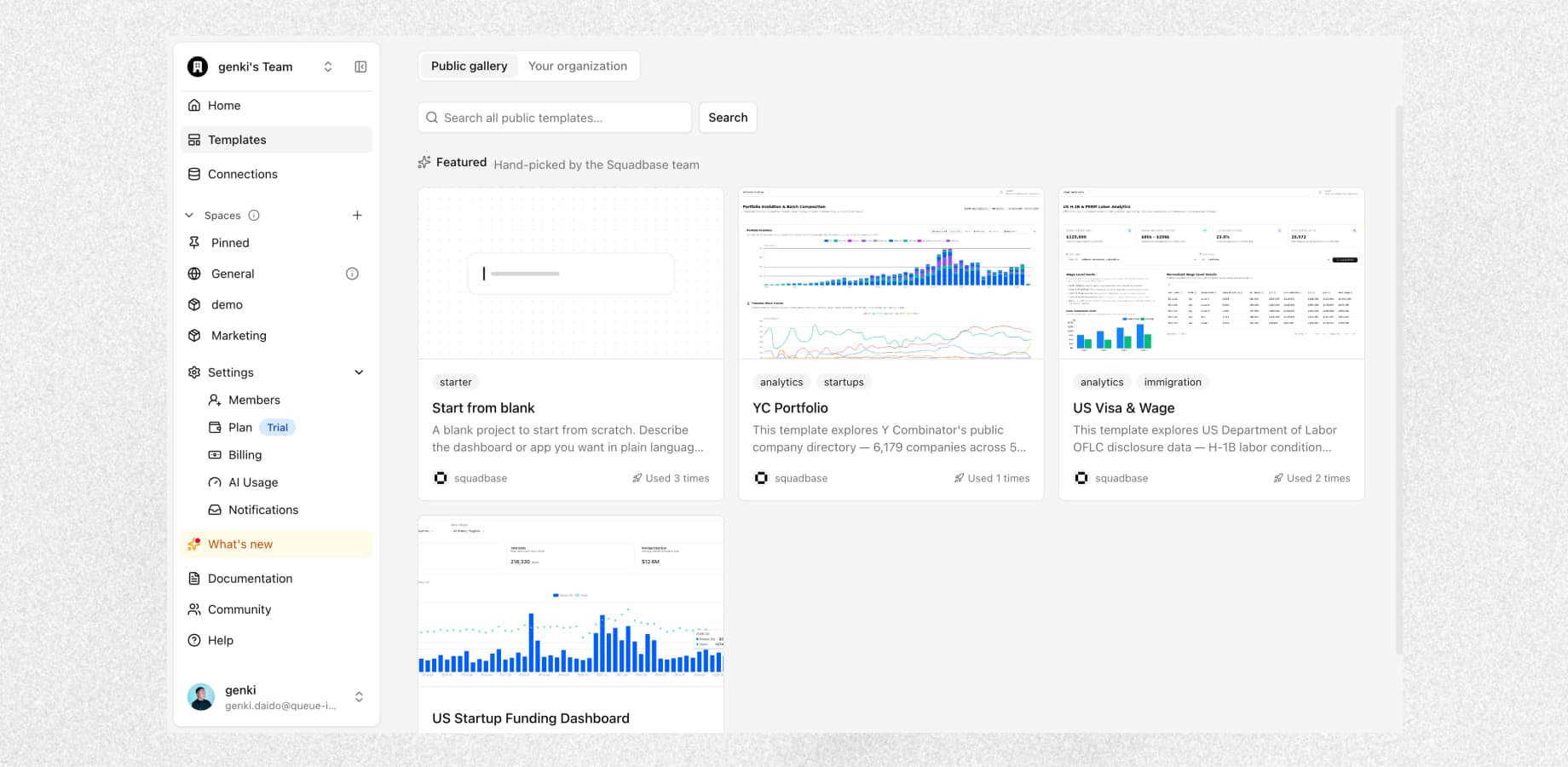
Open the gallery from "Templates" in the sidebar and you'll find the templates our team has featured. Search to look across every public template, ranked by relevance.
The public templates we've added are all pre-built dashboards that analyze real public datasets, and they work out of the box.
- US Visa & Wage Analytics Dashboard — Breaks down offered wages by employer, job title, and work location, using H-1B and PERM labor certification data from the US Department of Labor's OFLC. Four pages: wage benchmarks, employer sponsorship trends, a city comparison map, and the green card pipeline.
- YC Portfolio Analytics — Looks at industry mix, company status, location, and hiring across batches, based on Y Combinator's public directory of funded companies. Four pages: portfolio over time, survival and outcomes, geography and remote work, and companies currently hiring.
- US Startup Funding Dashboard — Examines private funding in the US by industry, state, and period, drawn from Form D filings with the SEC. Three pages: funding trends, a searchable filing history by company, and VC fund sizes alongside the year's largest raises.
Turning your own project into a template
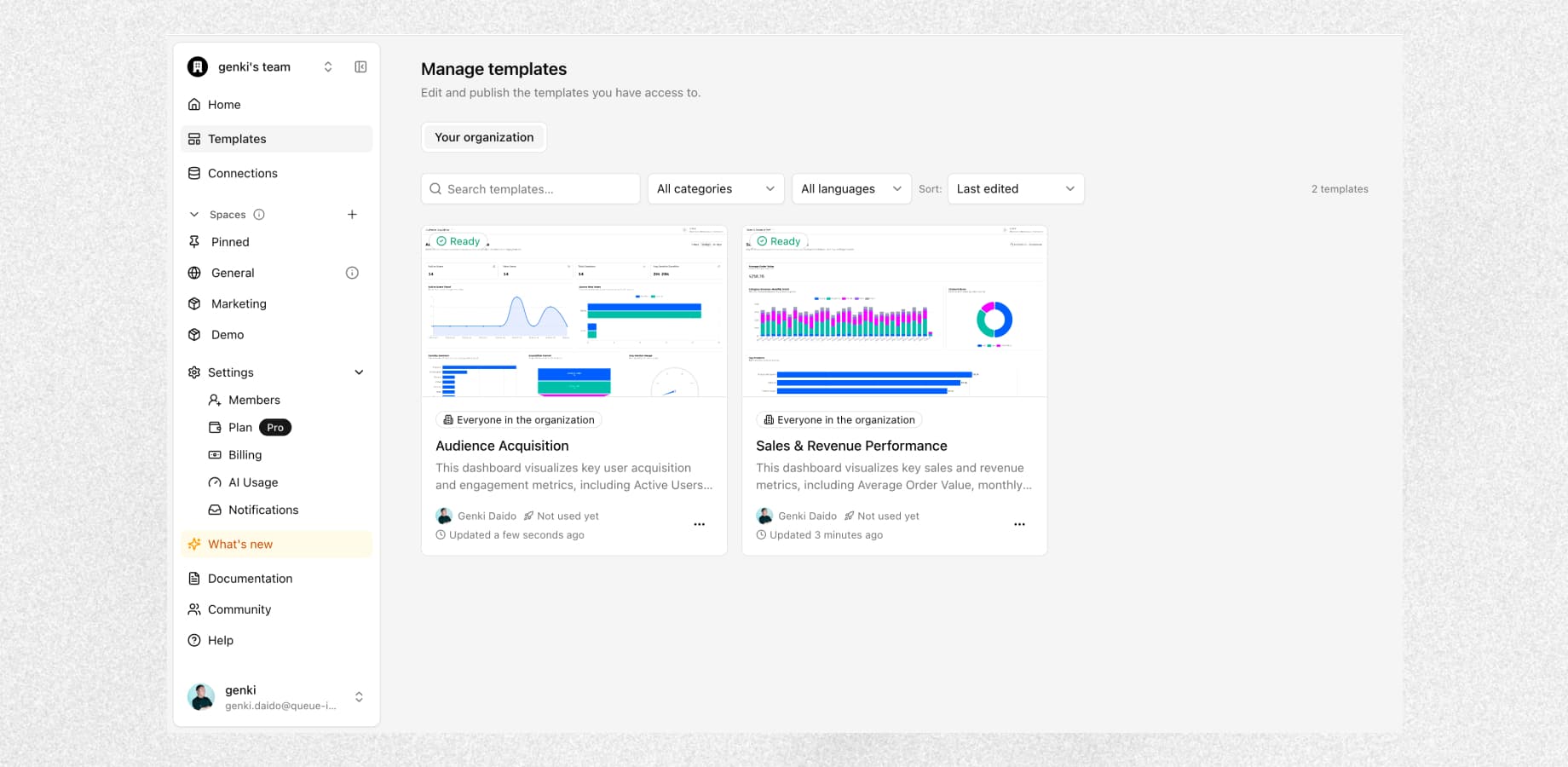
You can register one of your projects as a template and share it across your organization. Save the analysis setups you use repeatedly, and anyone on your team can spin up the same thing in seconds.
Templates you create stay within your organization and never appear in the public gallery. You can share them with everyone in your organization, with specific members you invite, or keep them to yourself.
All it takes is picking one
Both kinds work the same way. Open a template, look through its description and screenshots, then click "Use this template" and give your project a name and a destination. Setup runs in the background, and you're taken to the new project once it's ready.
Projects created from a template come with sample data, so the dashboard works right away. Explore it as it is, then connect your own data source to swap in the real thing.
For more detail, see the documentation.
What you can do now
- Start from a pre-built dashboard — Spin up a new project from a working dashboard instead of building one from scratch
- Working from the first moment — Charts and data show up as soon as the project is created, and you can swap in your own data later
- Reuse across your team — Turn recurring analysis setups into templates, share them internally, and rebuild the same thing in seconds